- Is GPT Image 2 better than GPT Image 1.5?
- For most caricature styles, yes — GPT Image 2 produces cleaner edges, richer mid-tones, and more consistent facial structure. GPT Image 1.5 was solid for quick iteration and cost less per run, which is why people used to draft with 1.5 and finalize with 2. Since 1.5’s retirement, GPT Image 2 covers both jobs — the free Standard tier handles the fast draft, and the 3-credit tier handles the finish.
- How does GPT Image 2 compare to GPT Image 1?
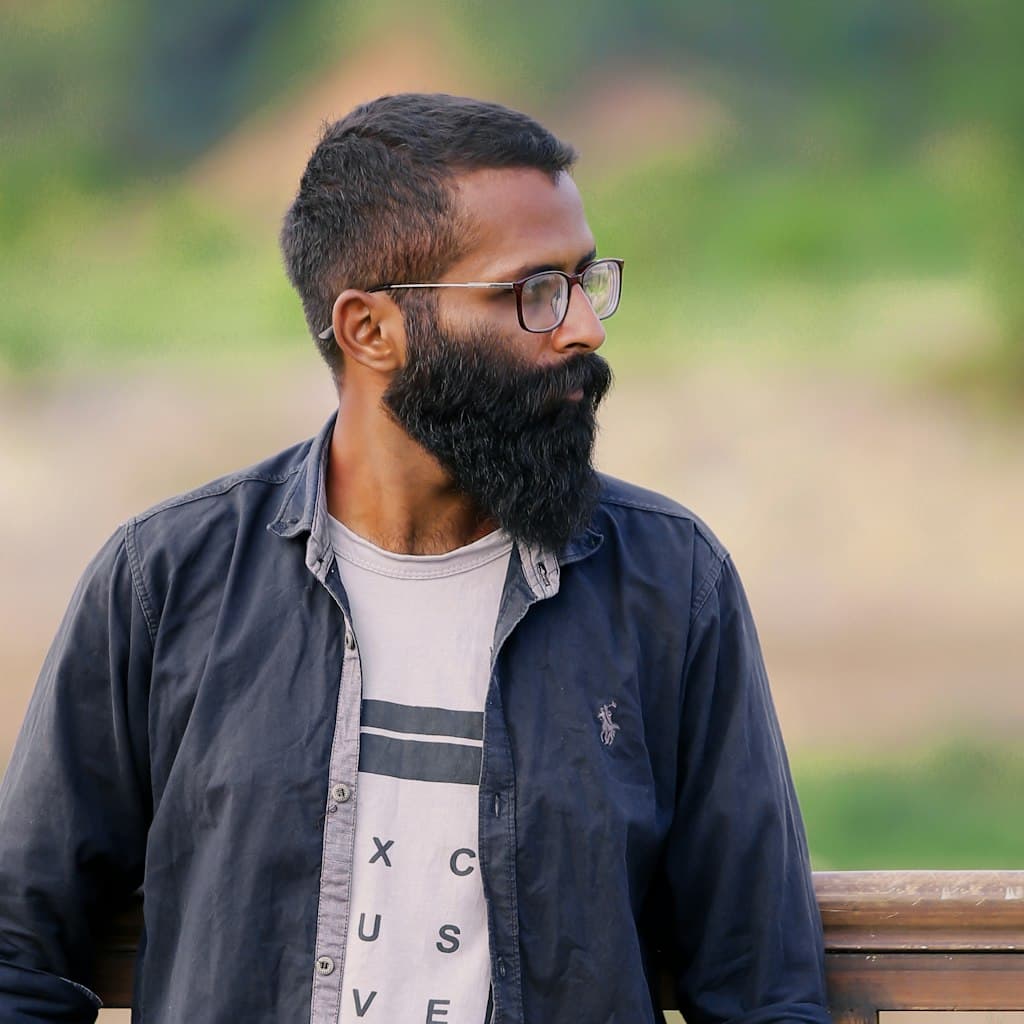
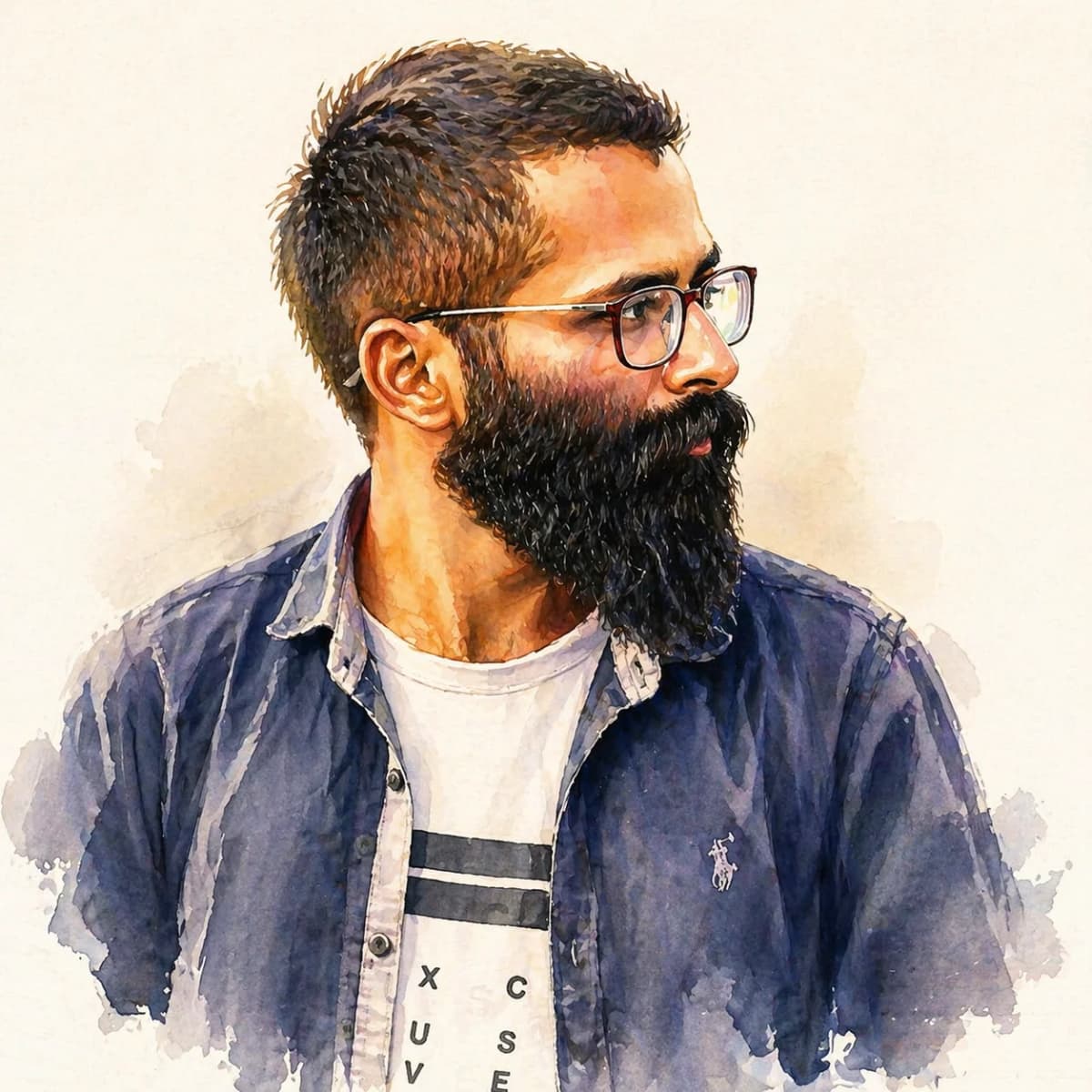
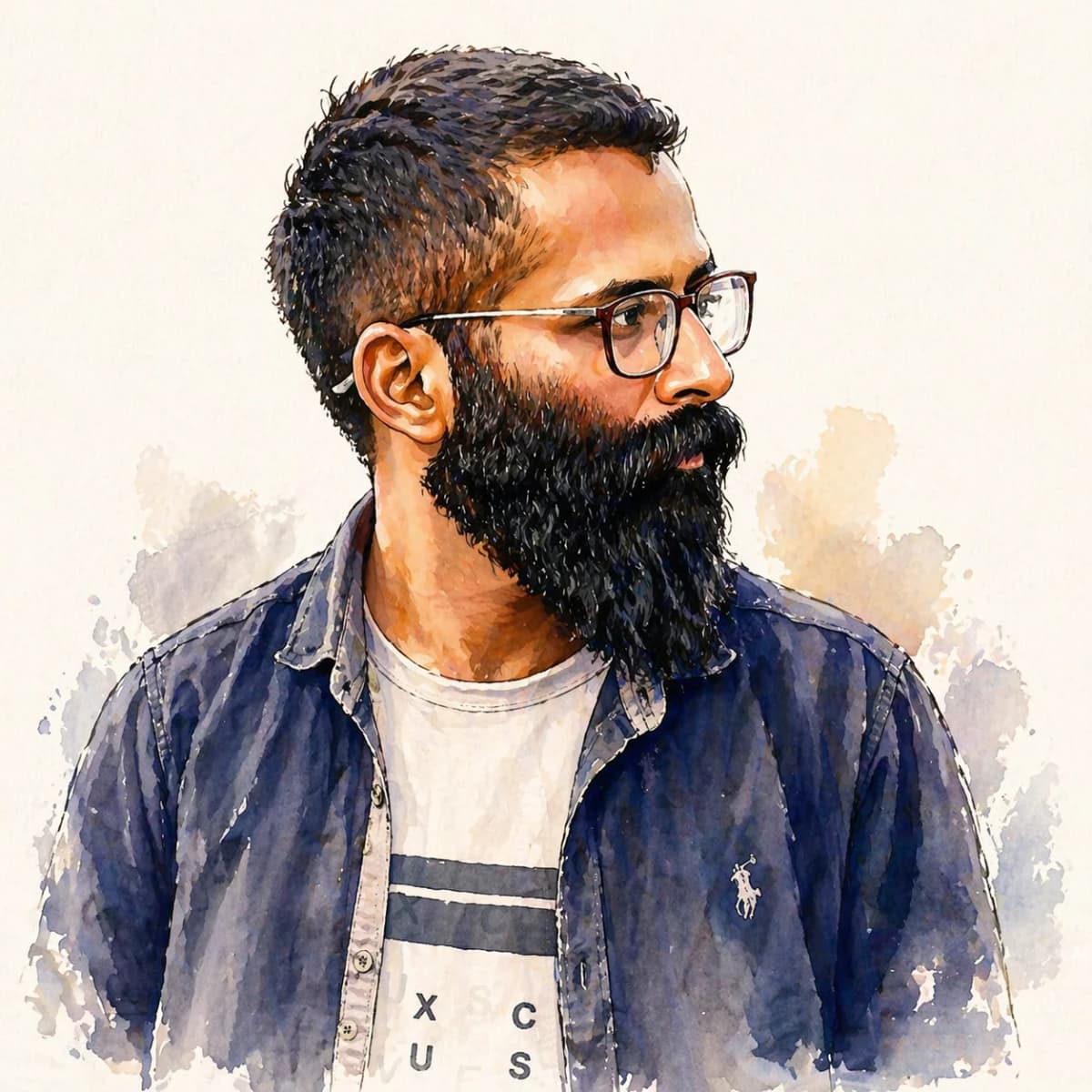
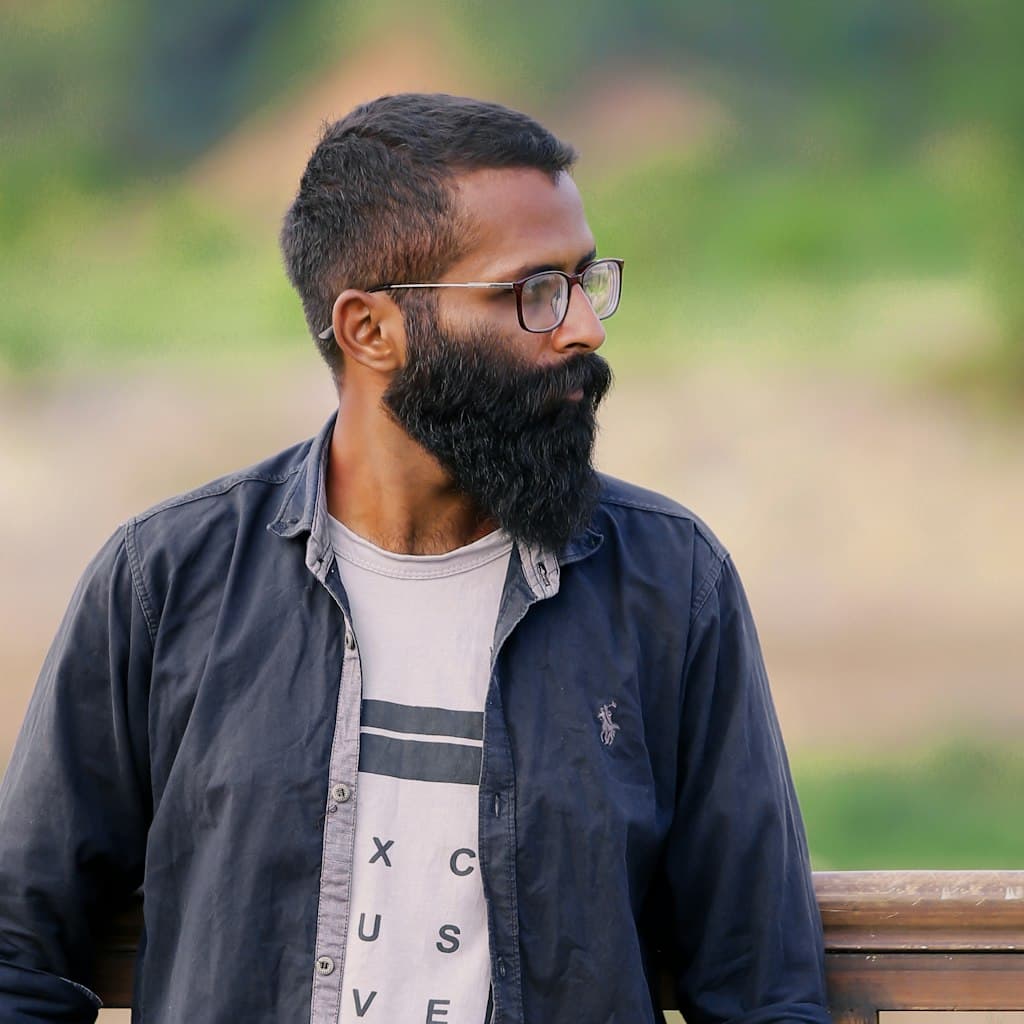
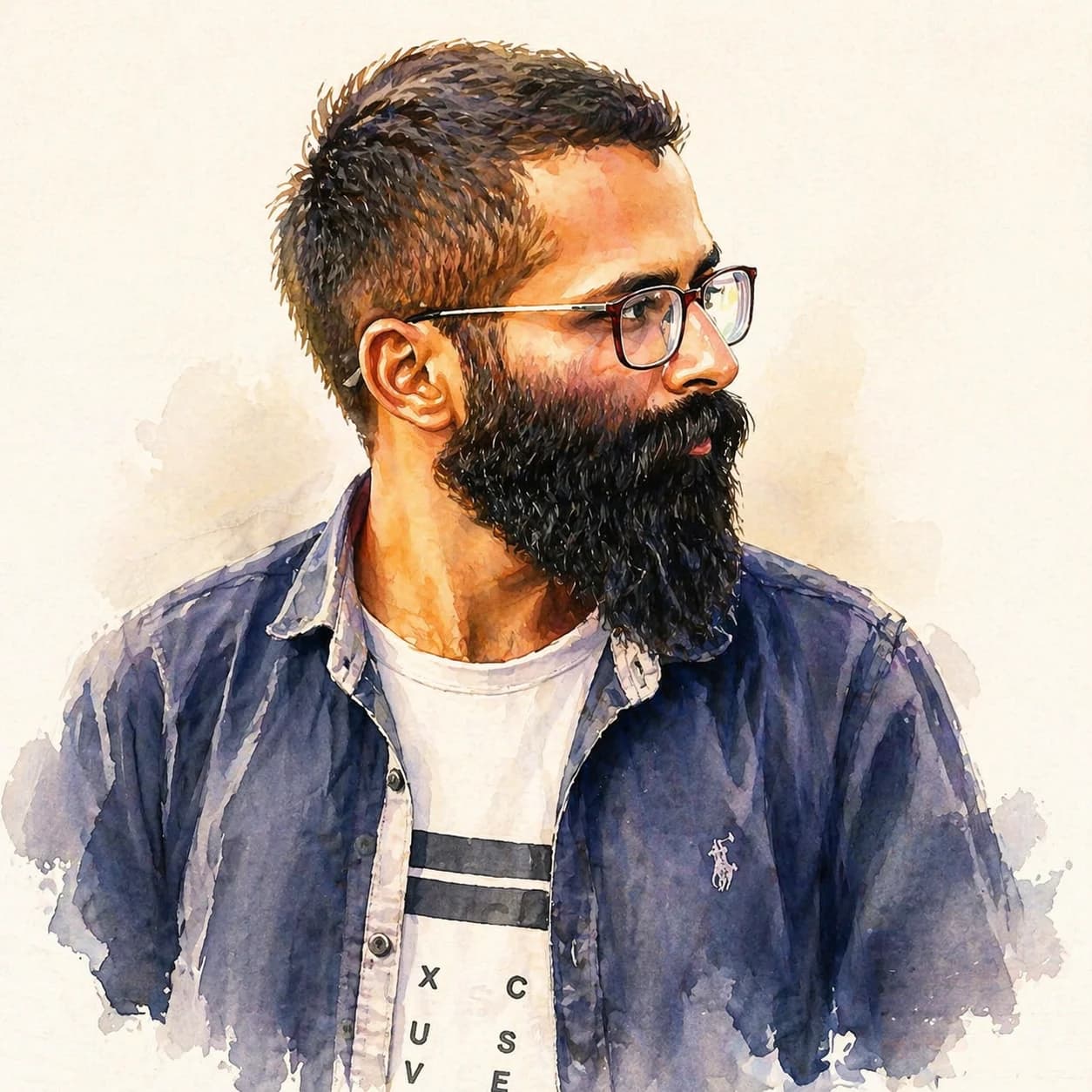
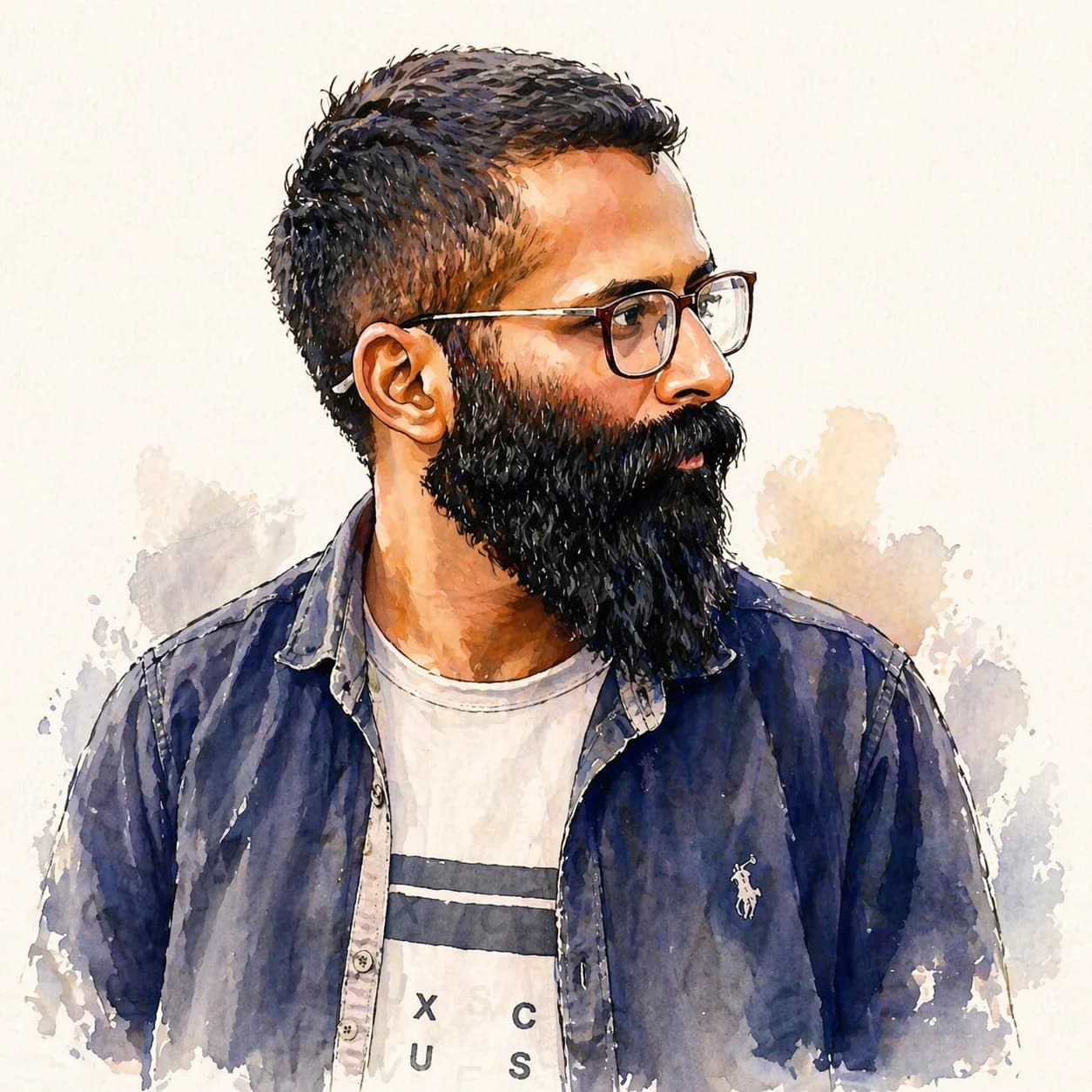
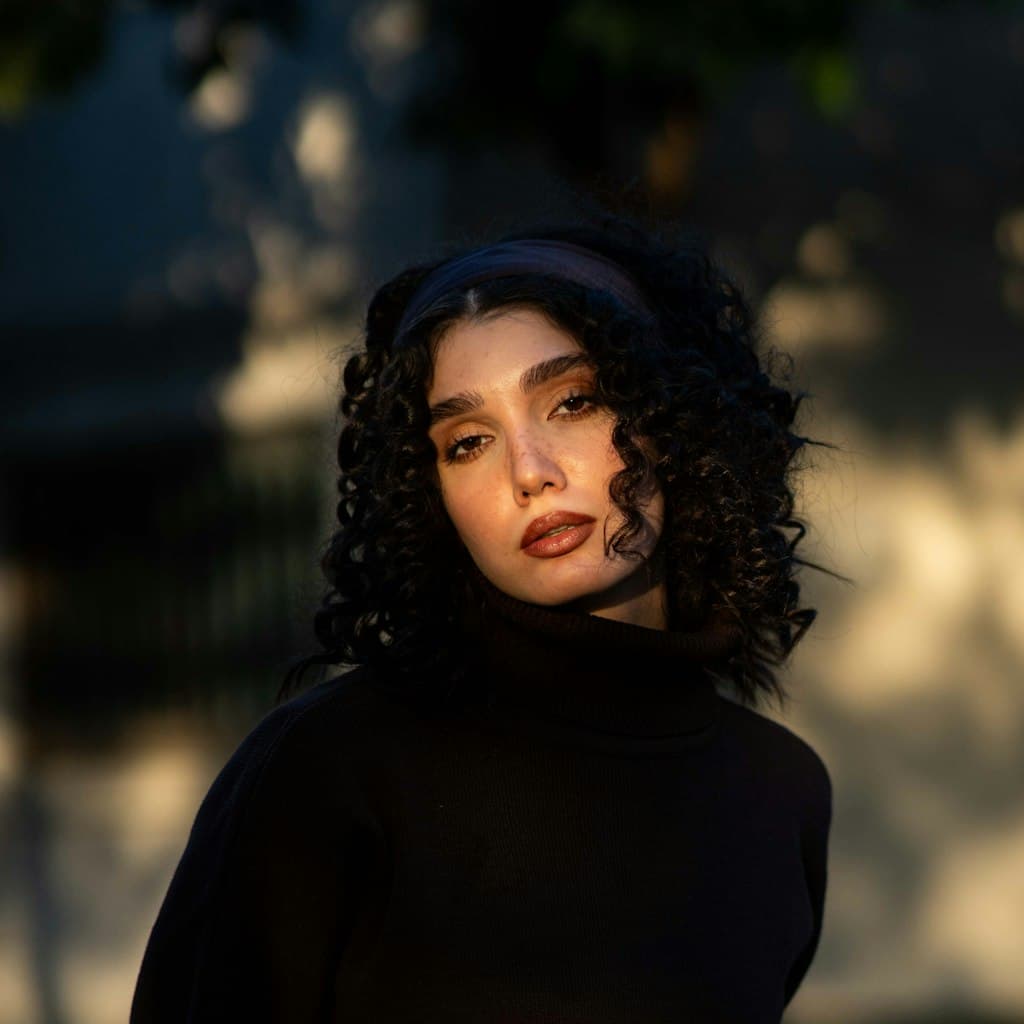
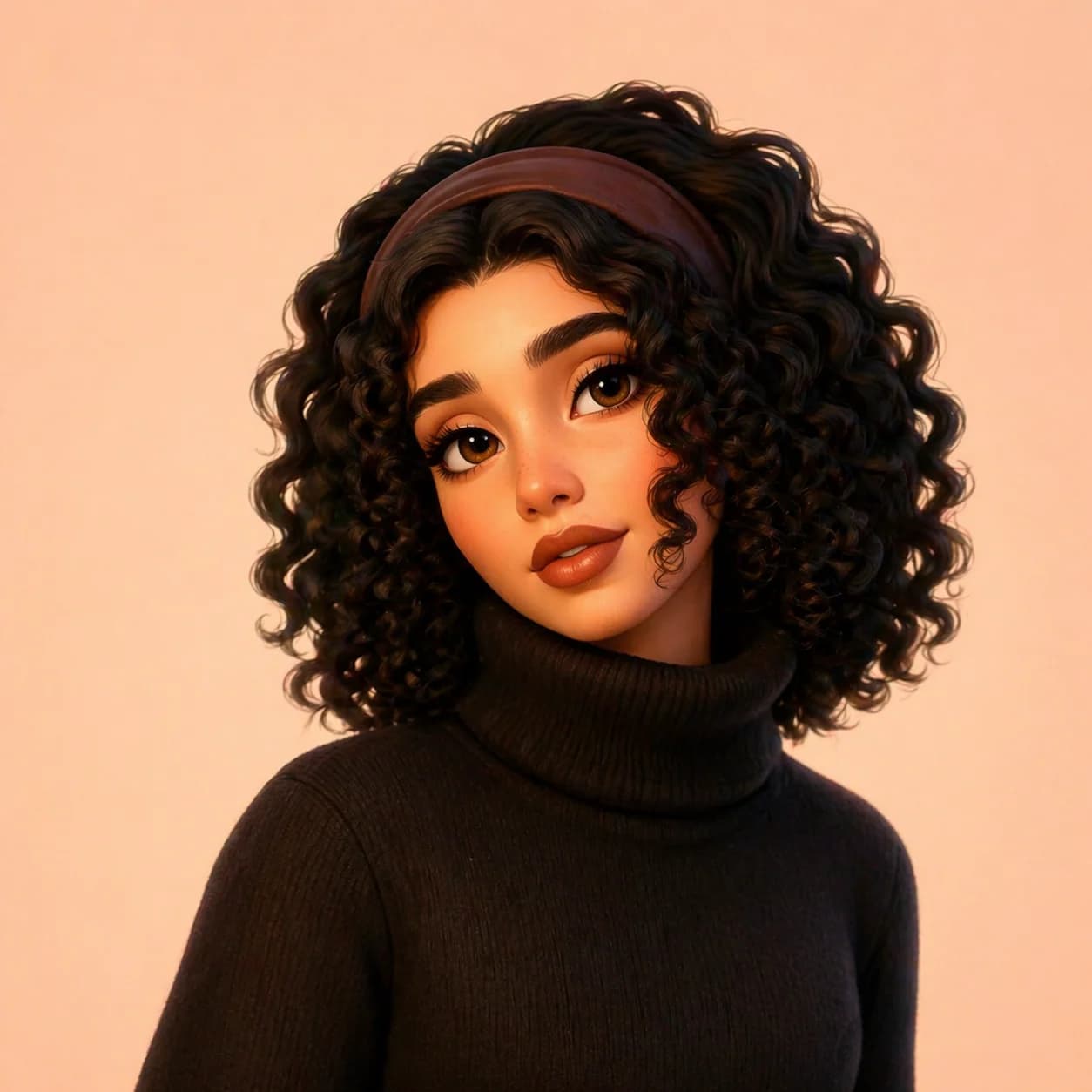
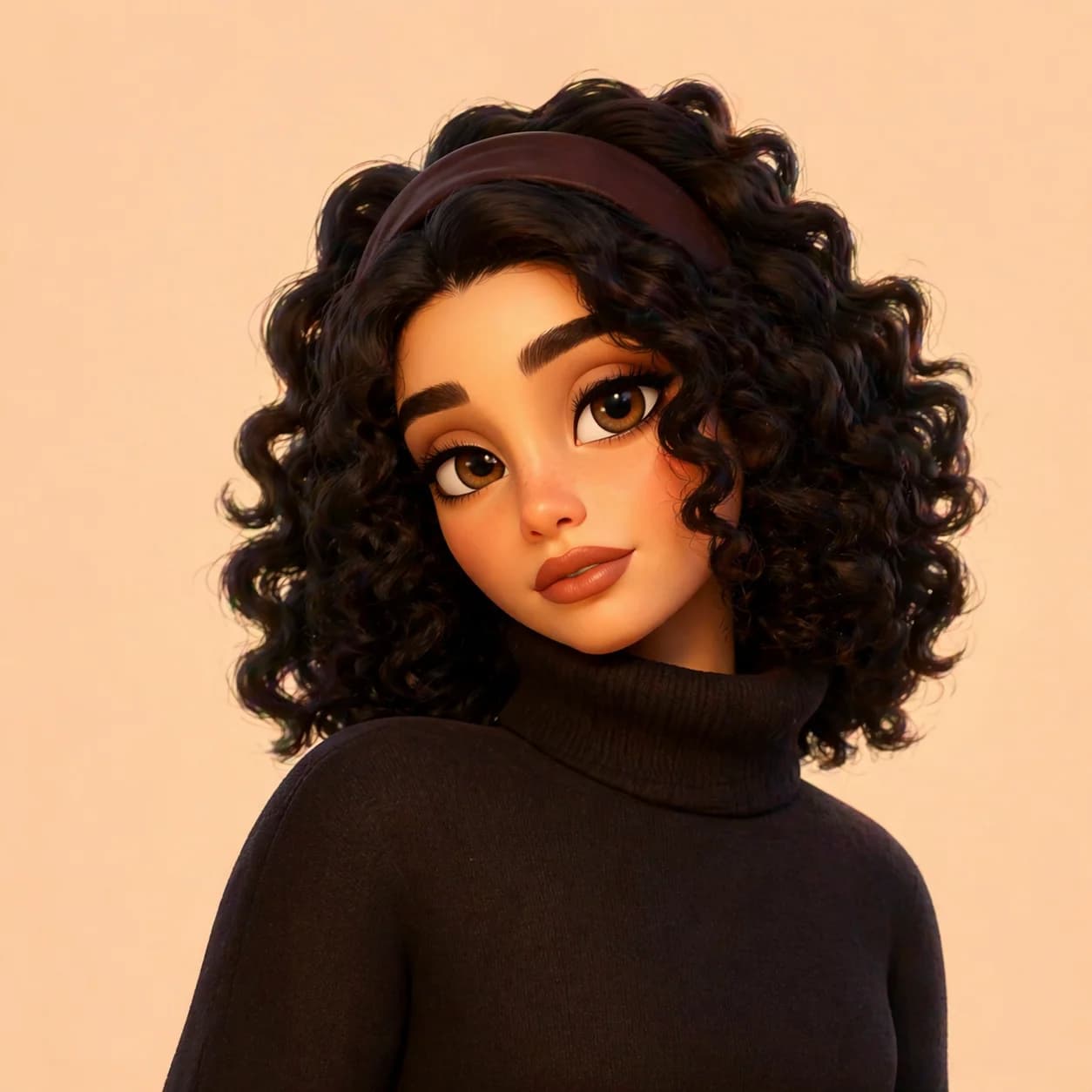
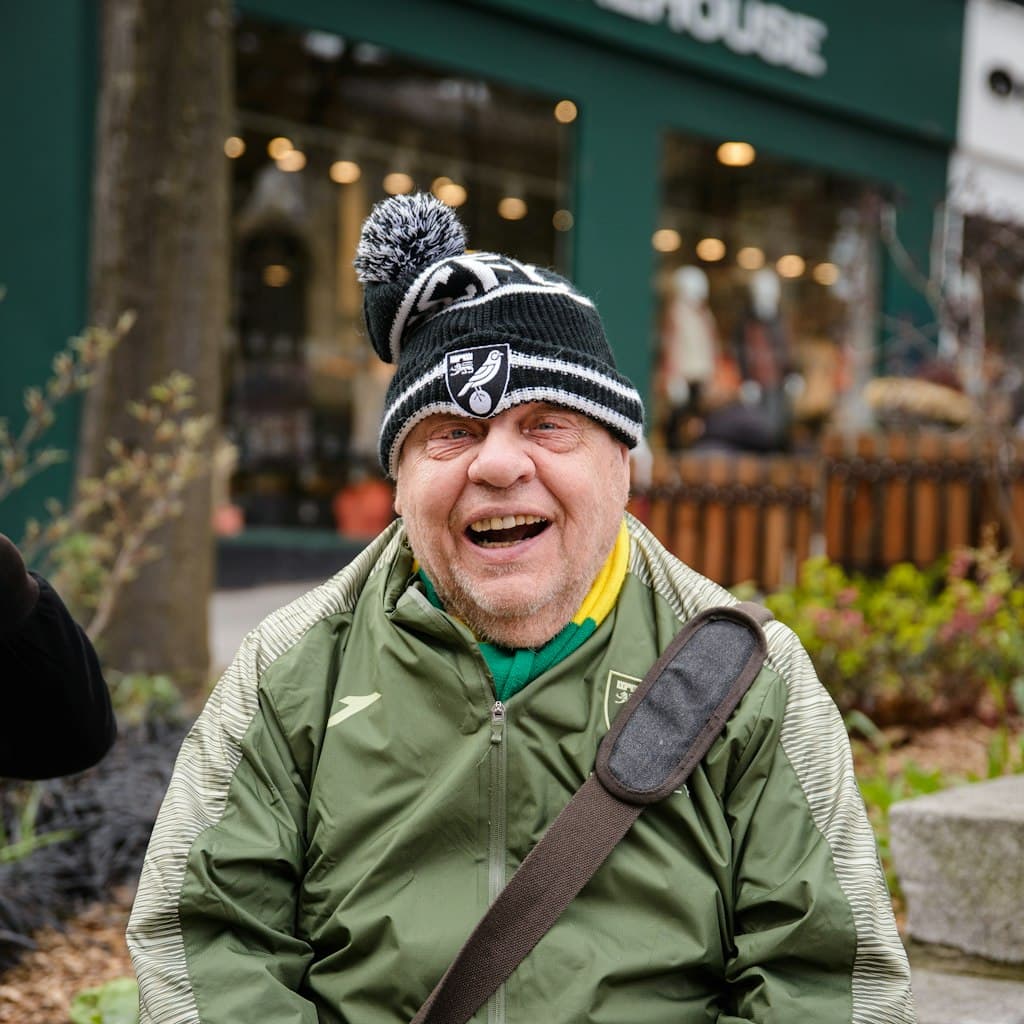
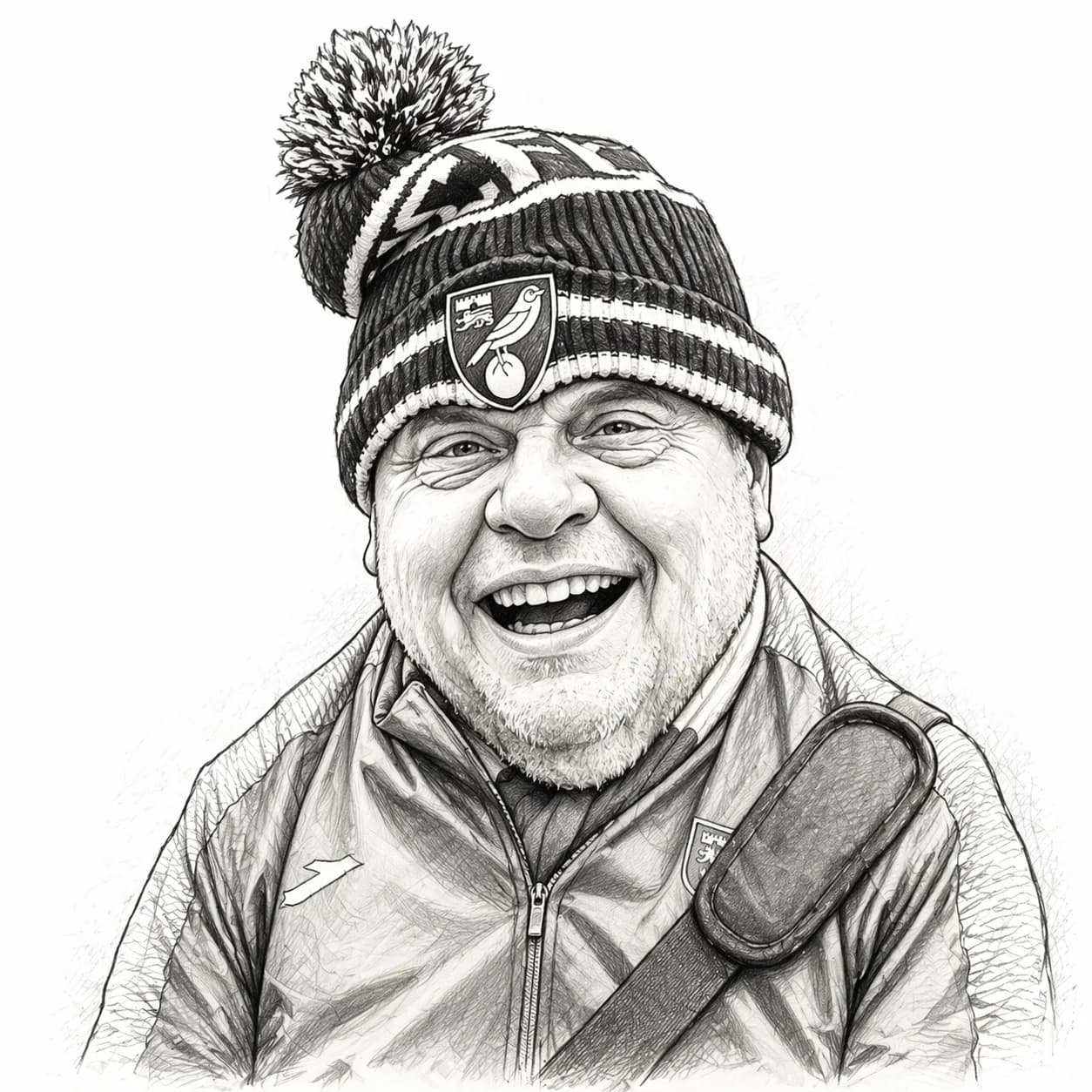
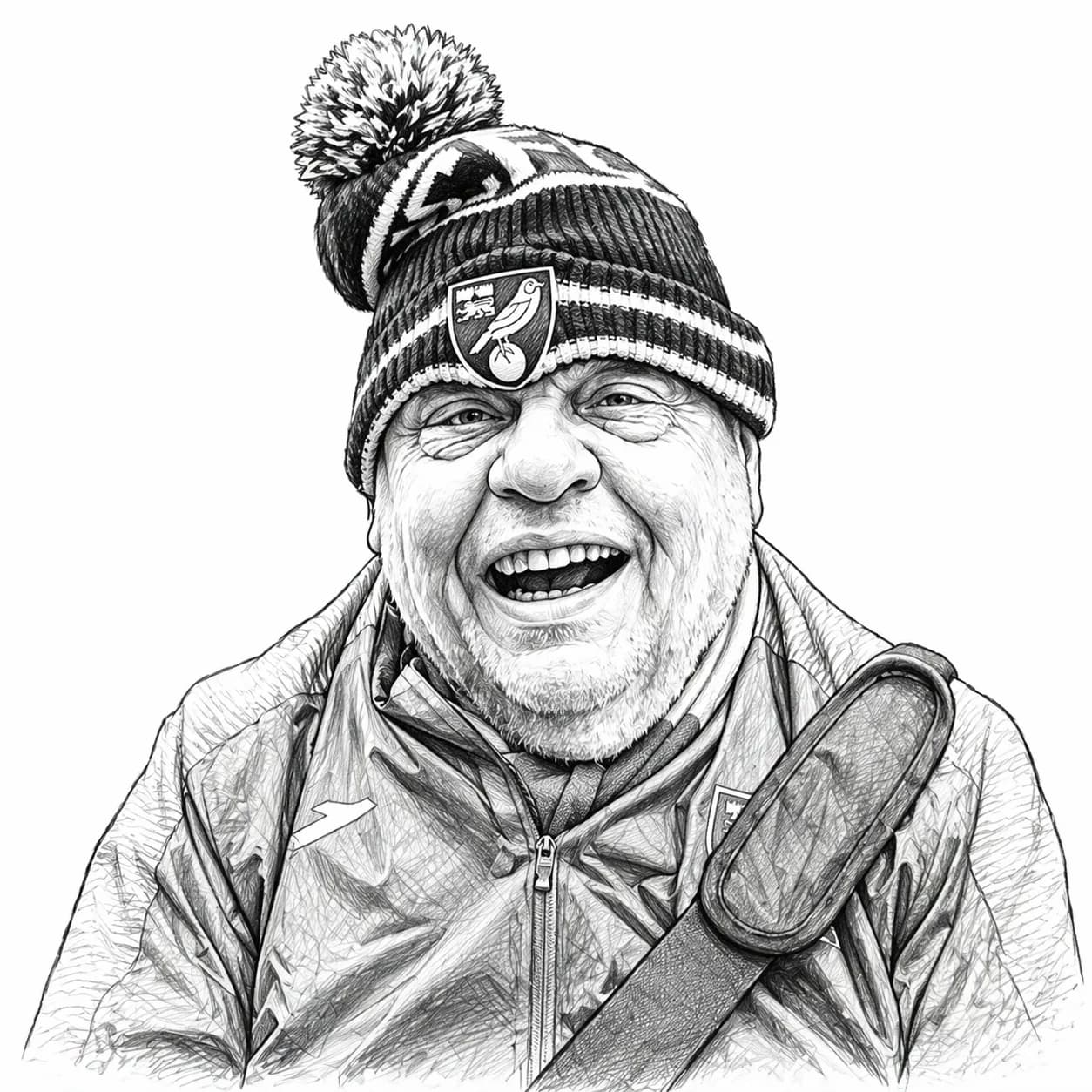
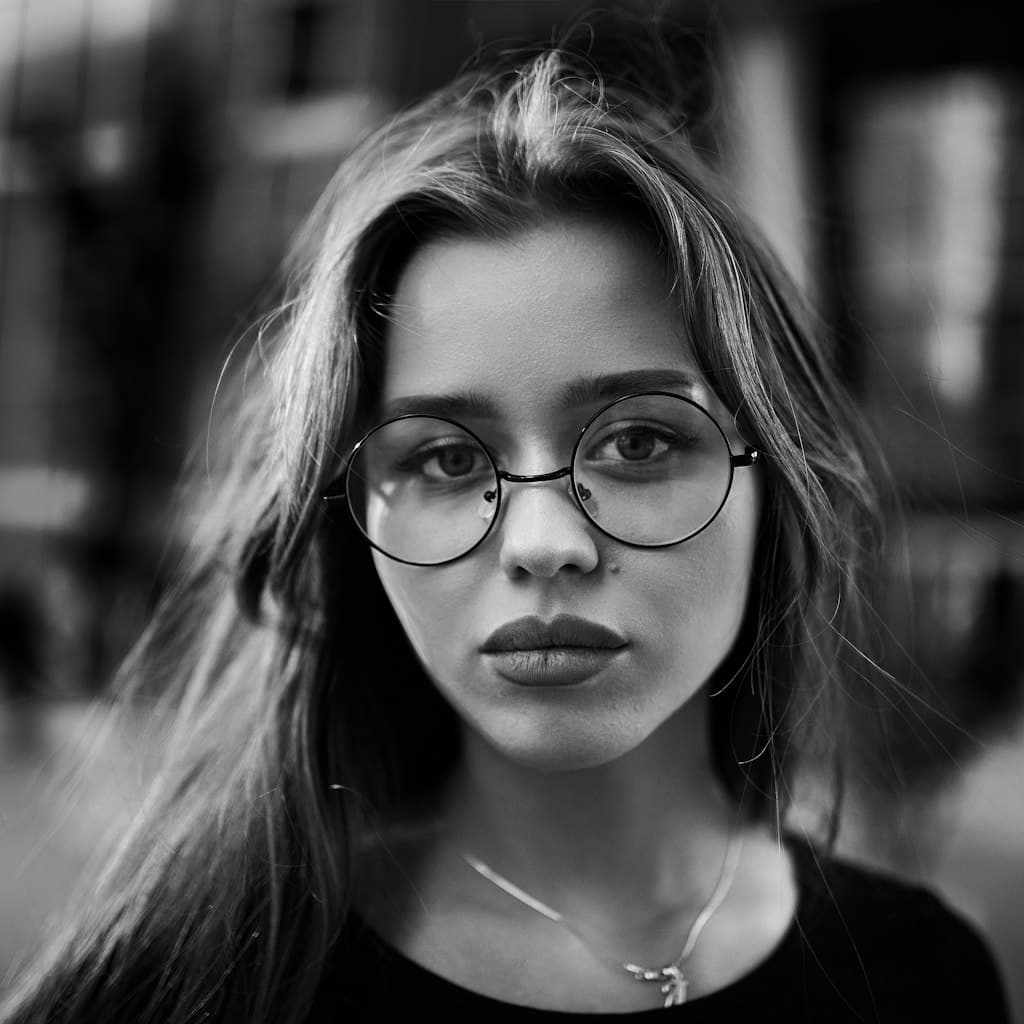
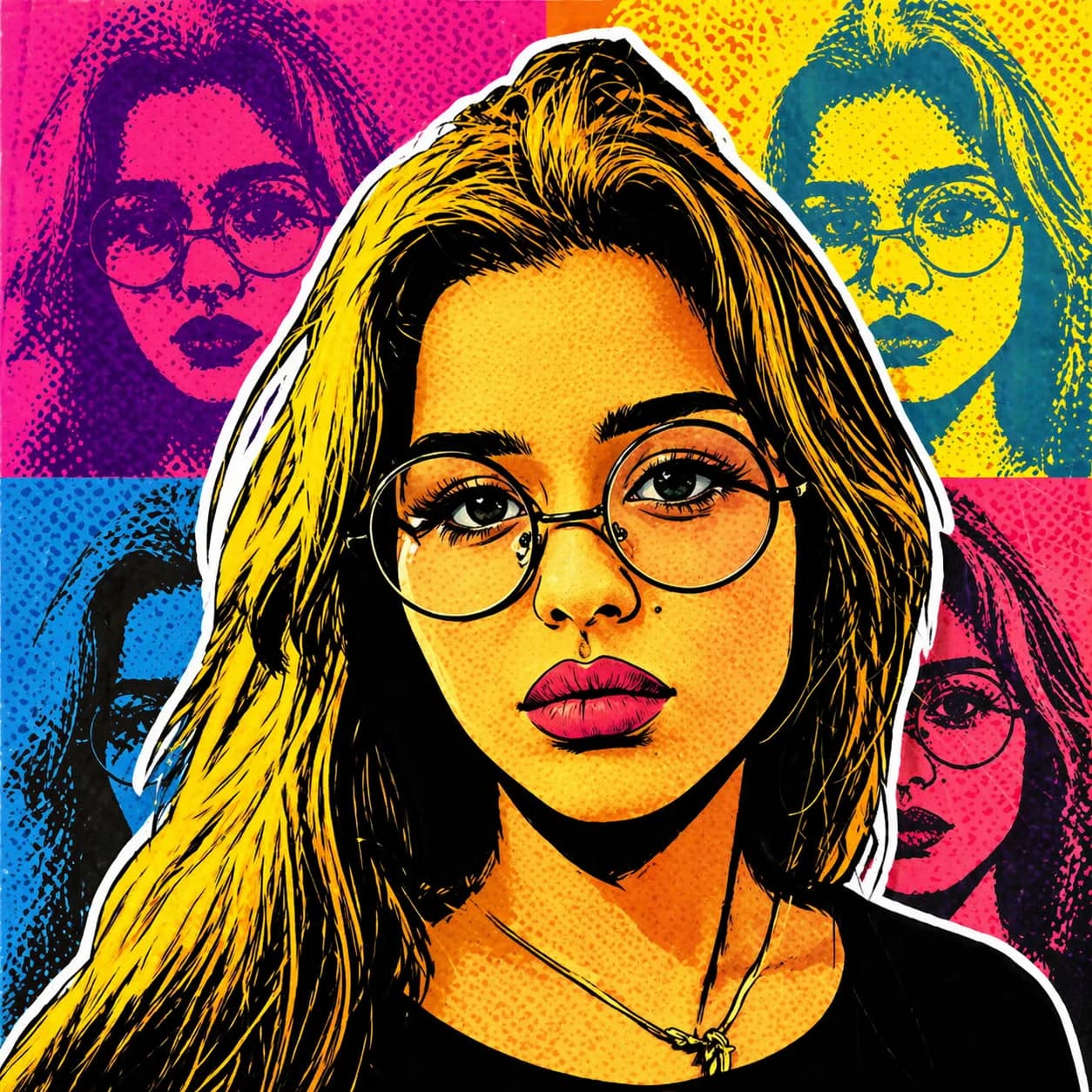
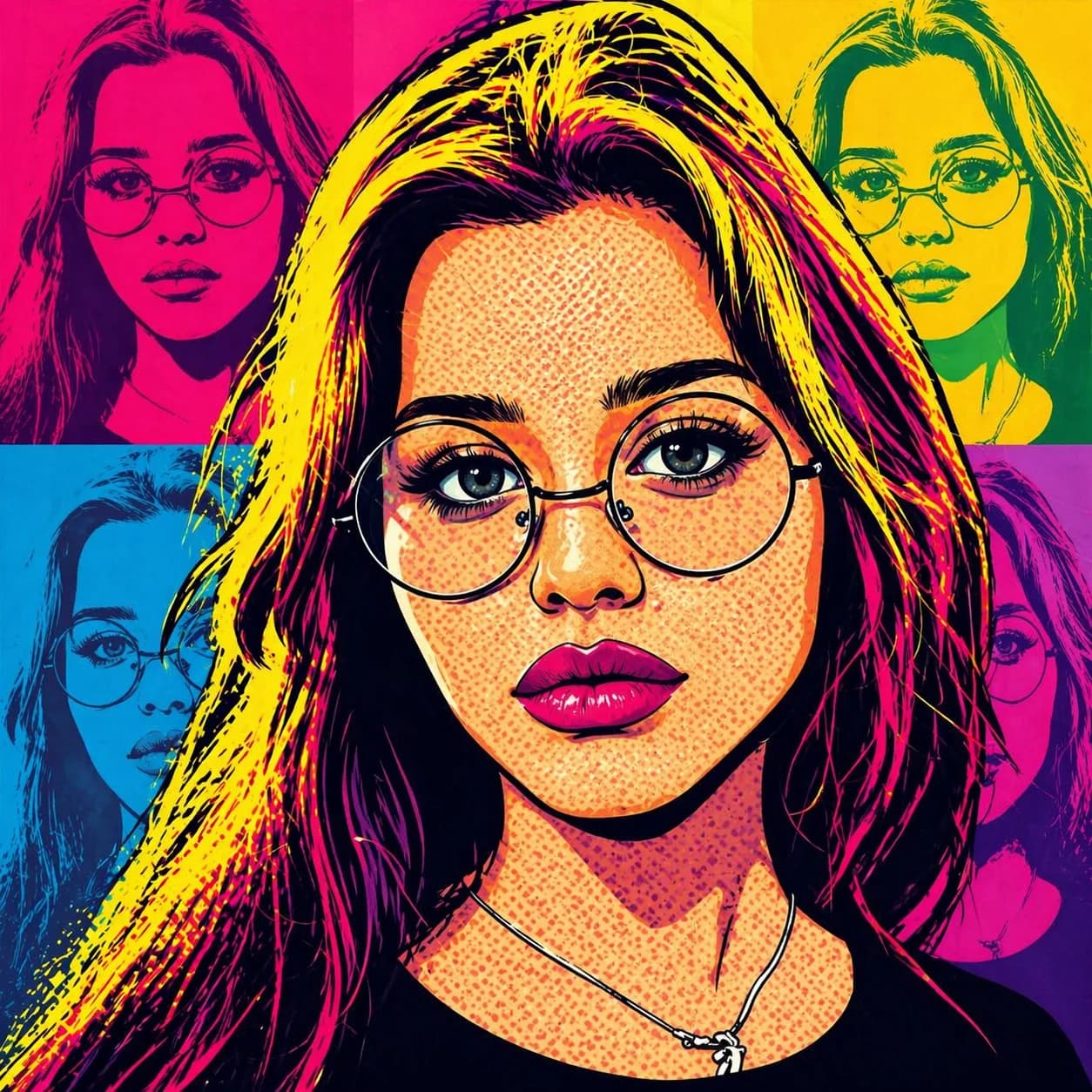
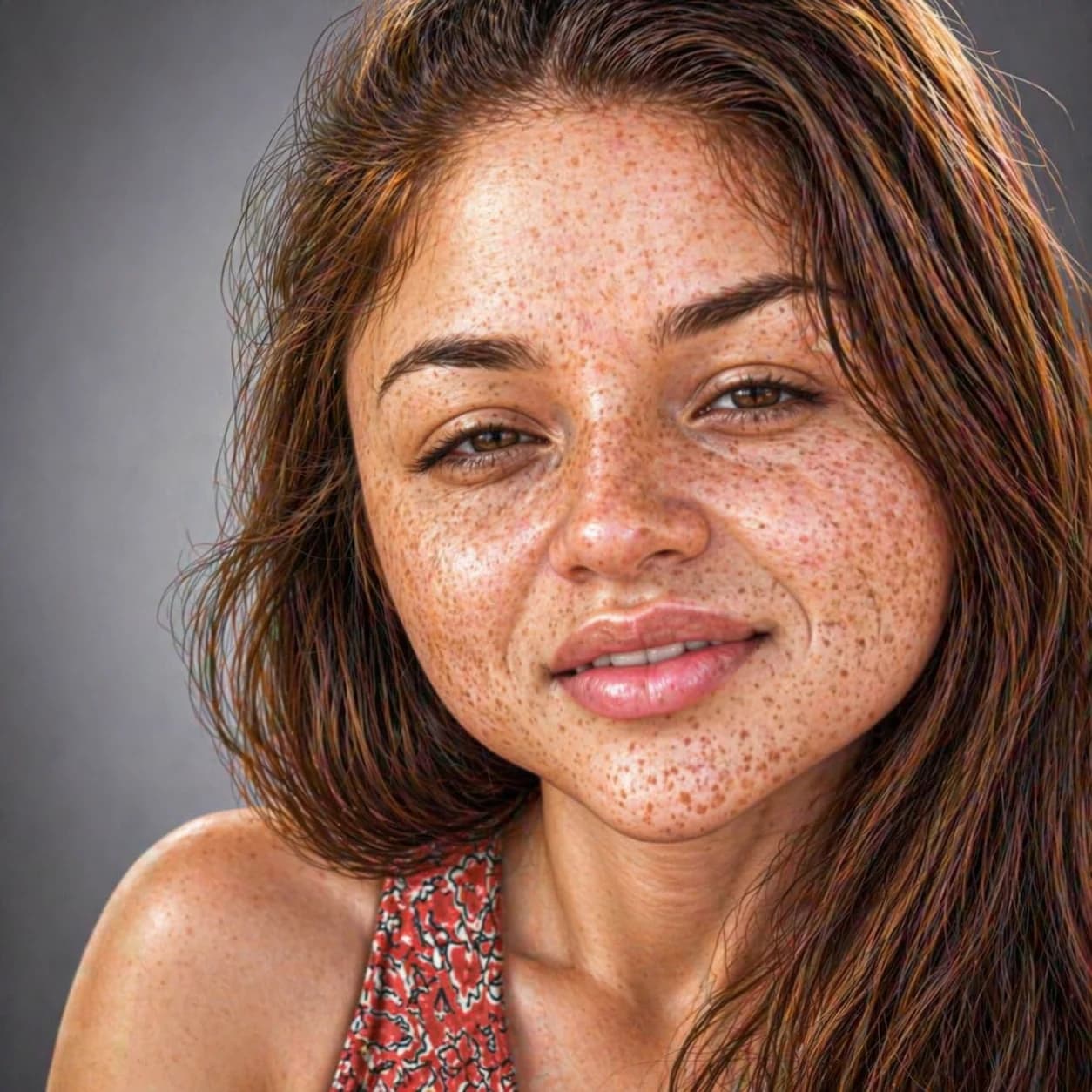
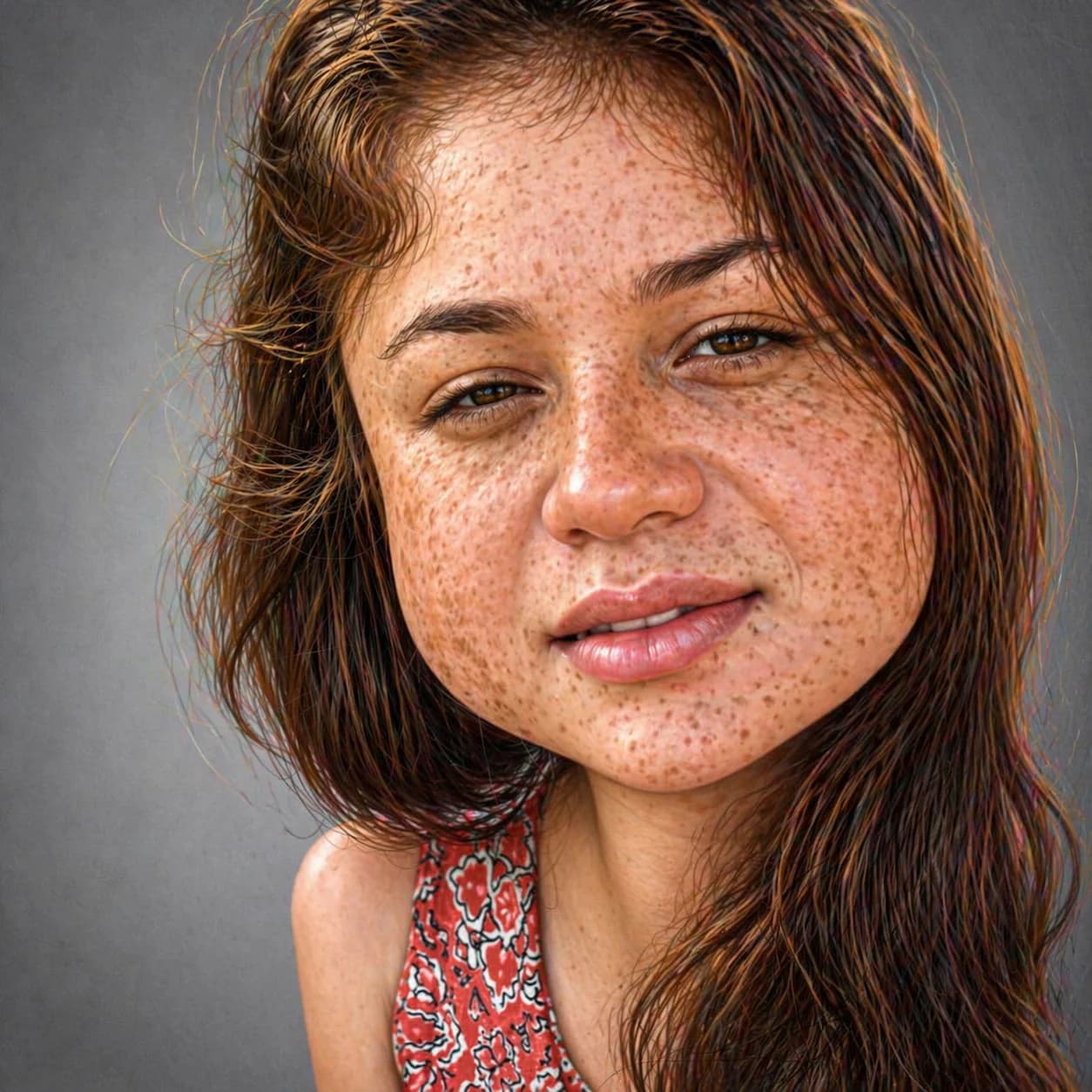
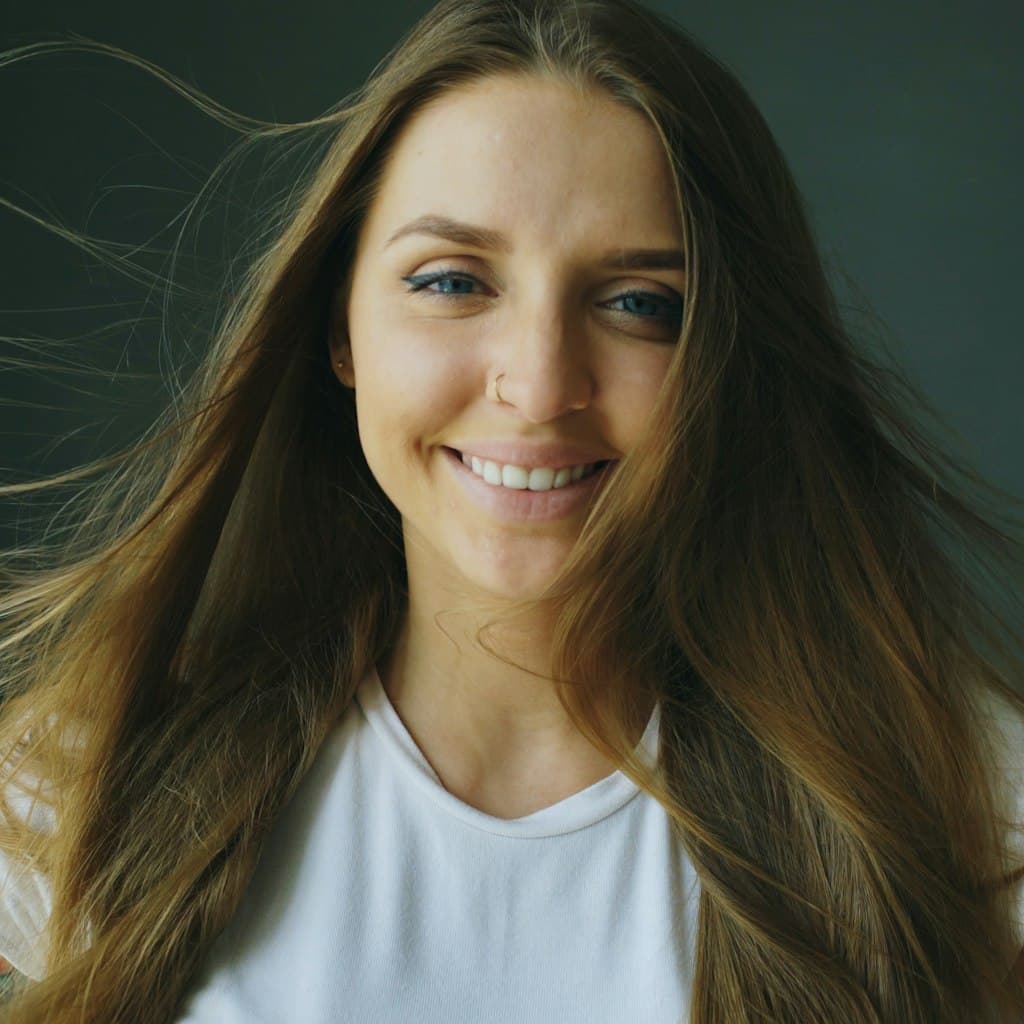
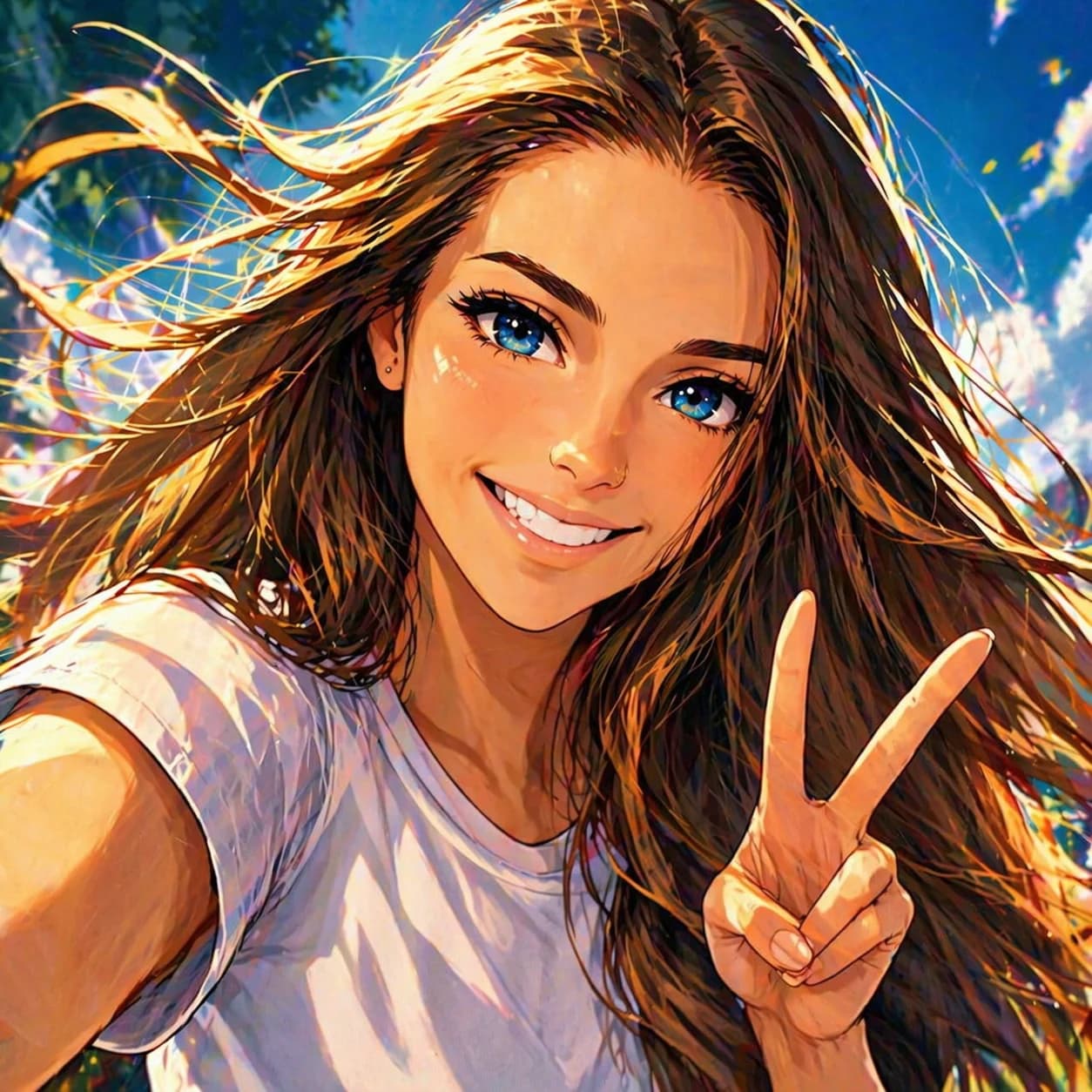
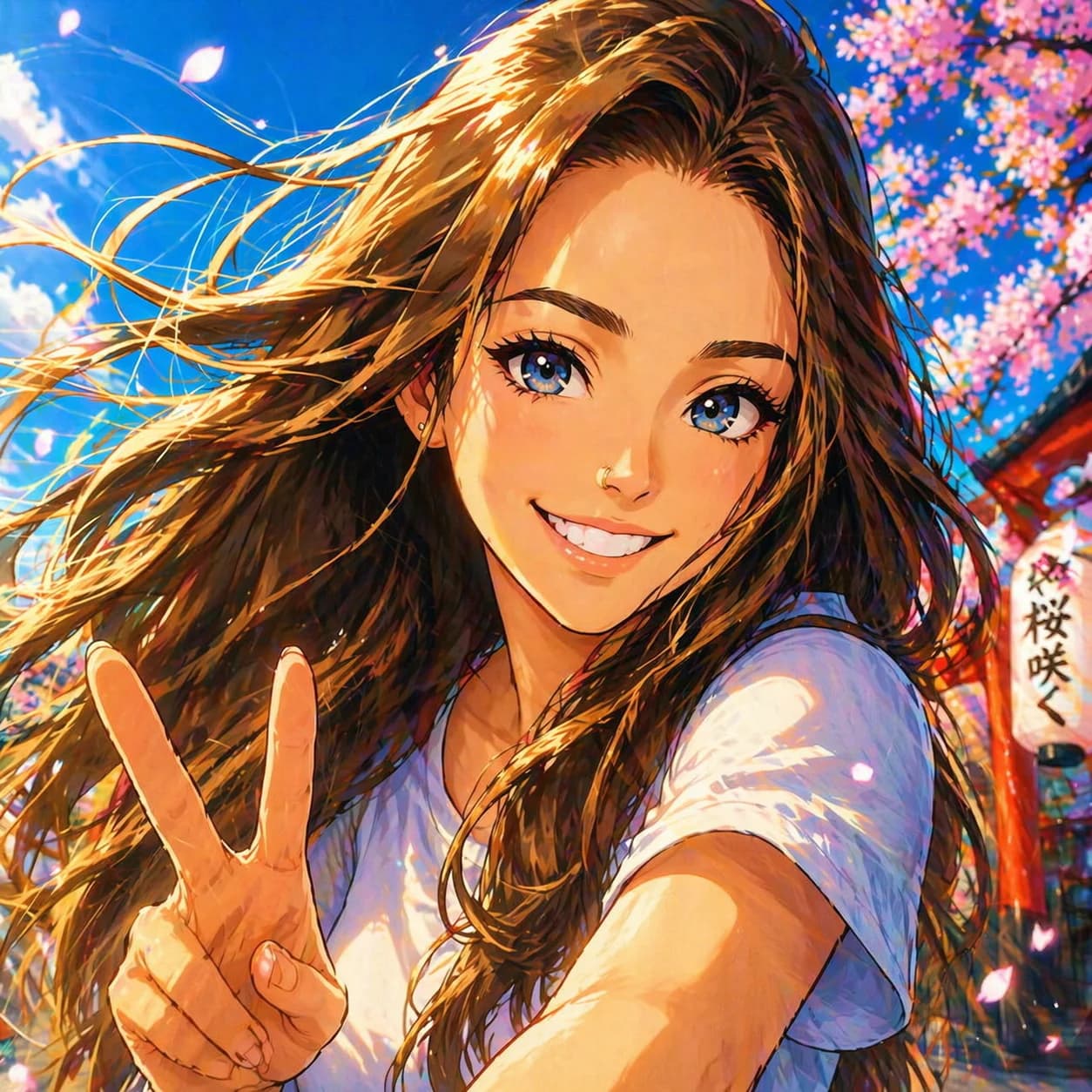
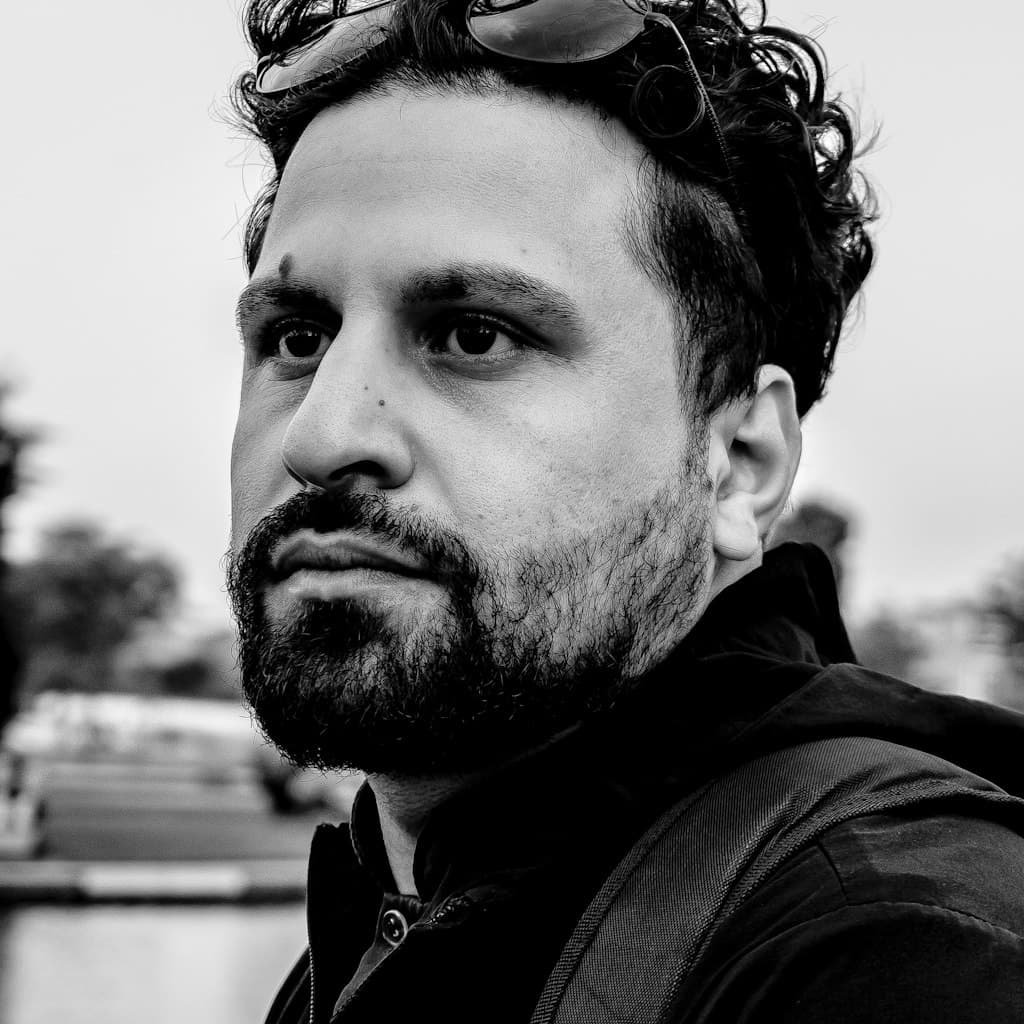
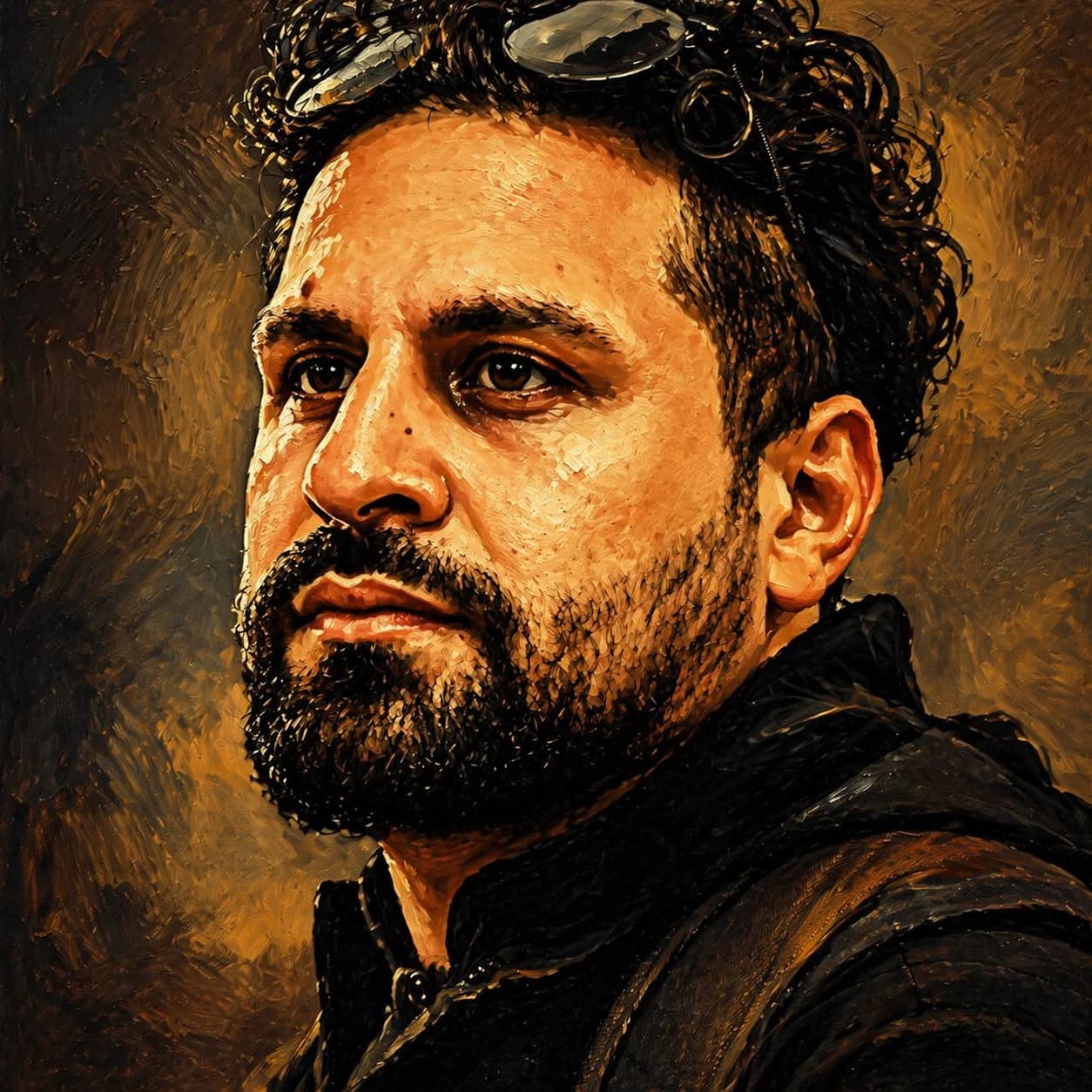
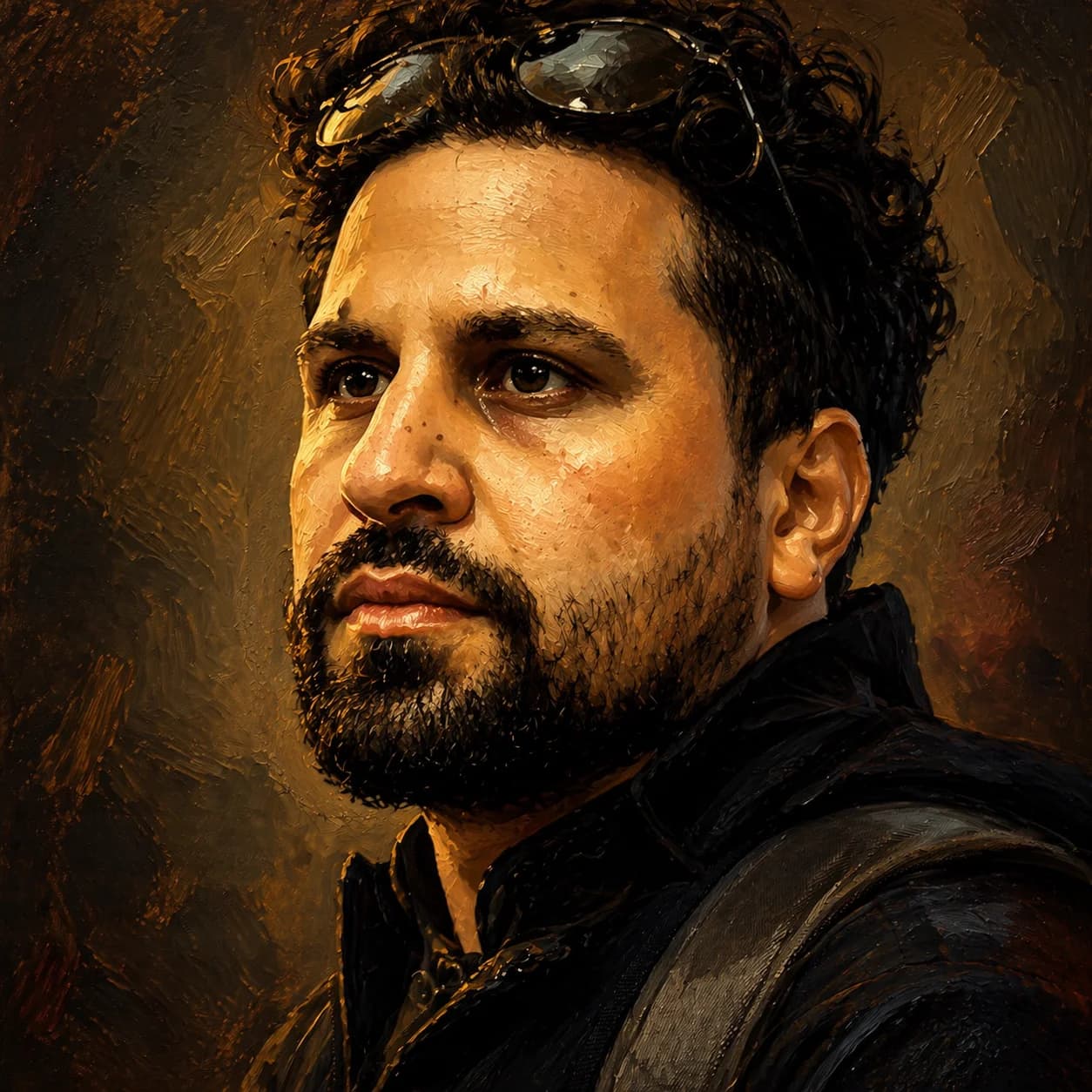
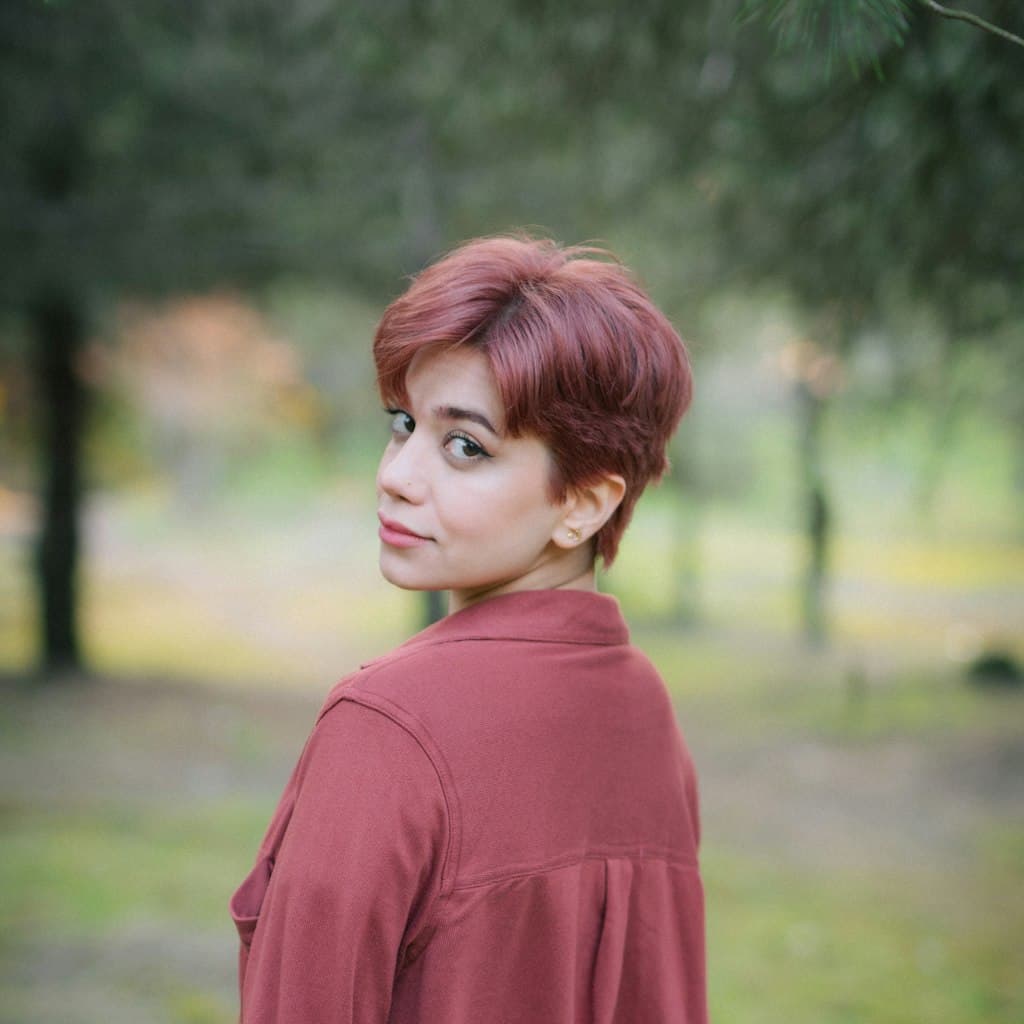
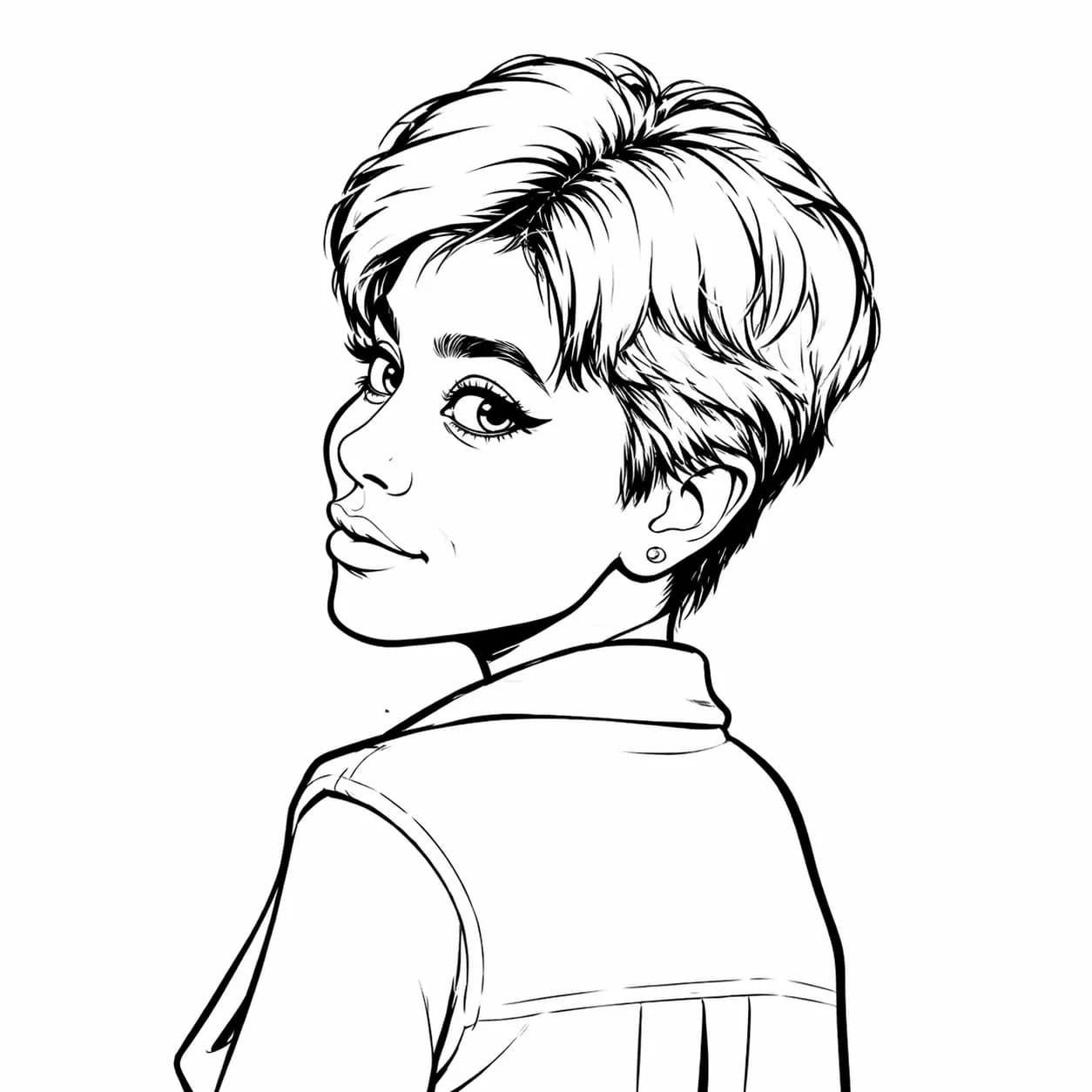
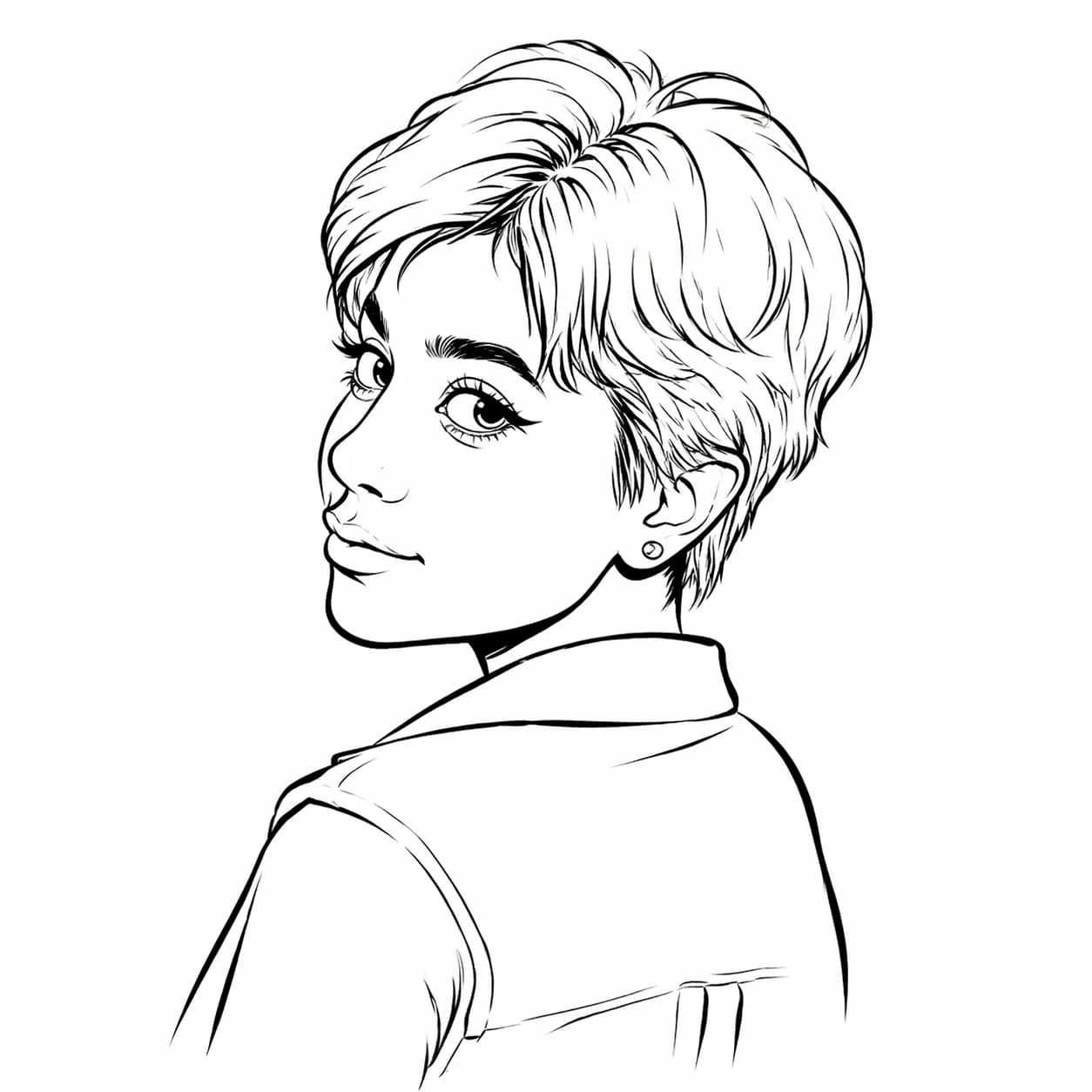
- GPT Image 2 is OpenAI’s next-generation image model, succeeding both the original GPT Image 1 and the intermediate GPT Image 1.5 release. GPT Image 1.5 has since been retired upstream — every tier on this site, free and paid, now runs GPT Image 2. The side-by-side gallery above still shows the real upgrade we measured when we made the switch.
- How much does GPT Image 2 cost to use here?
- GPT Image 2 now powers every tier here. The free Standard model runs GPT Image 2 at 1K resolution with no sign-up — 1 free generation per week, or 2 per week if you sign in. Want the sharper 2K output? That’s the GPT Image 2 tier at 3 credits per generation. You can also buy credit packs — see the pricing section on this page.
- What aspect ratios does GPT Image 2 support?
- GPT Image 2 supports 10 aspect ratios at 2K: 1:1, 3:2, 2:3, 4:3, 3:4, 16:9, 9:16, 21:9, 2:1, and 1:2. This covers everything from square portraits to ultra-wide banners, so you can use GPT Image 2 across all generation modes.
- Is there a free way to try GPT Image 2 on caricatures?
- Yes — the free Standard tier already runs GPT Image 2 at 1K resolution, no account needed (1 free generation per week, or 2 if you sign in). GPT Image 1.5 has been retired, so there’s no separate legacy tier anymore. If you want the sharper 2K output, that’s a 3-credit generation — a starter credit pack covers a few tries.
- How long does a GPT Image 2 caricature take?
- Typically 10–25 seconds from click to result, slightly slower than GPT Image 1.5 (5–15s). The gallery above was generated during a normal workday and reflects real-world latency.
- What are GPT Image 2’s current limitations?
- GPT Image 2 does not expose a quality parameter and was slower and more expensive per call than 1.5 back when both were live. For most caricature and portrait use cases the quality gain is worth it — and now that 1.5 has been retired, GPT Image 2 (via the free Standard tier) is also the fastest option available for rapid iteration.