GPT Image 2 · Betavs GPT Image 1.5Live Generator

GPT Image 2 Caricature Generator — Side-by-Side vs 1.5

OpenAI’s latest image model, applied to caricatures. 8 styles compared head-to-head, live on this page. Upload your photo and run GPT Image 2 in one click — even the free tier runs it now, no sign-up needed.

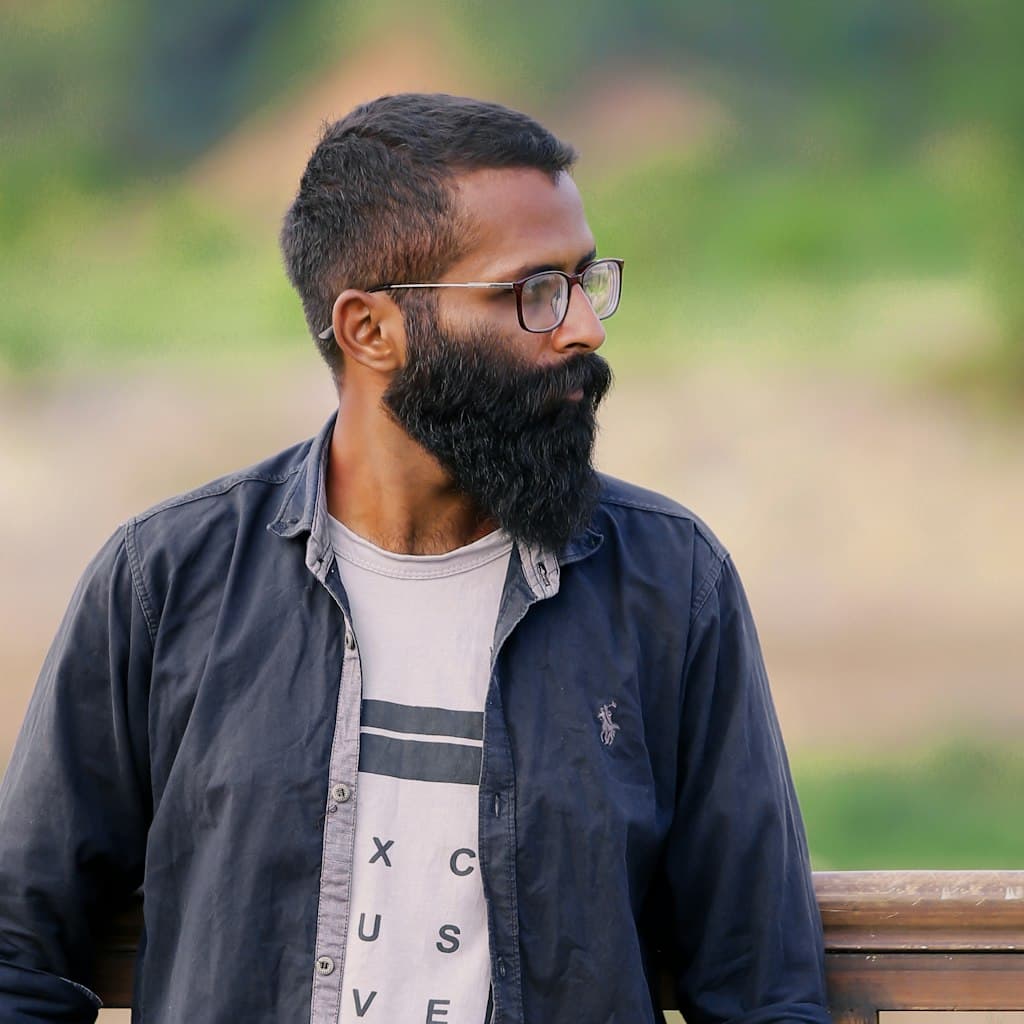
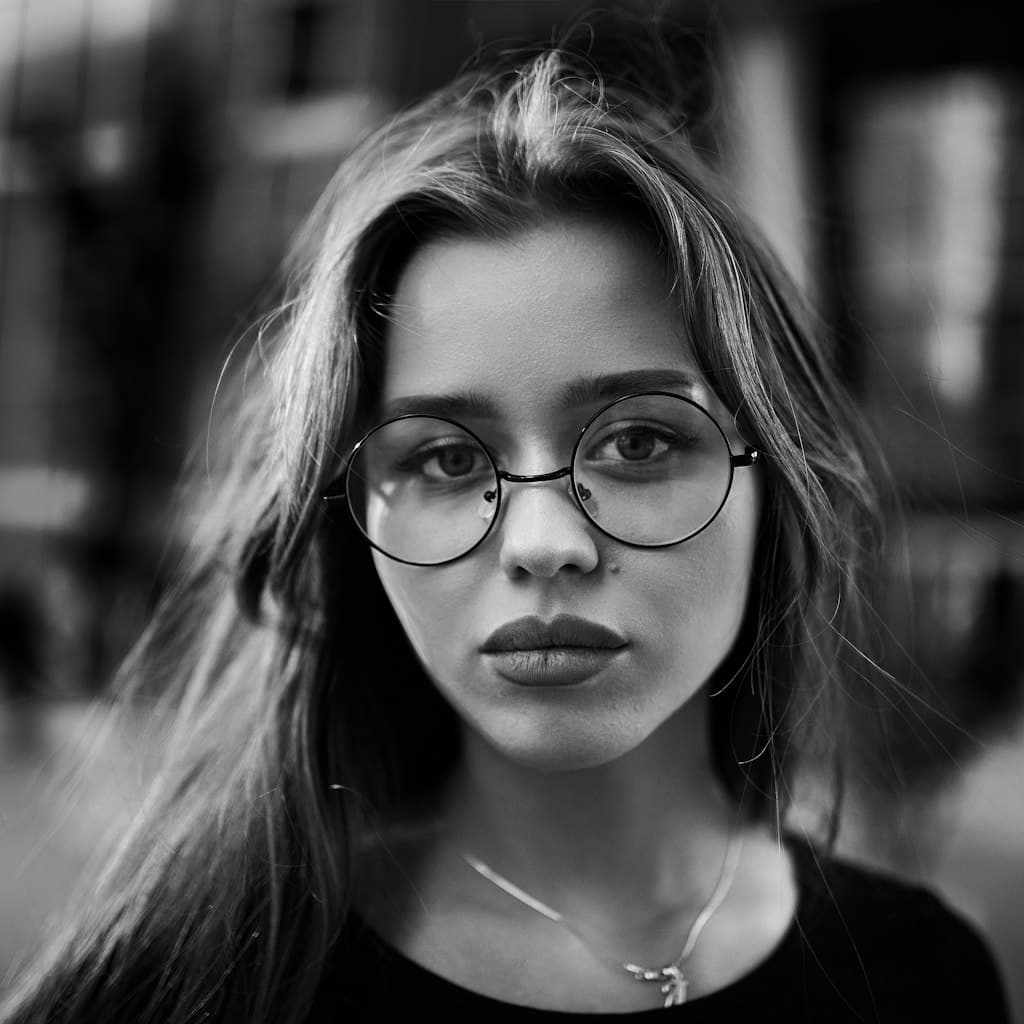
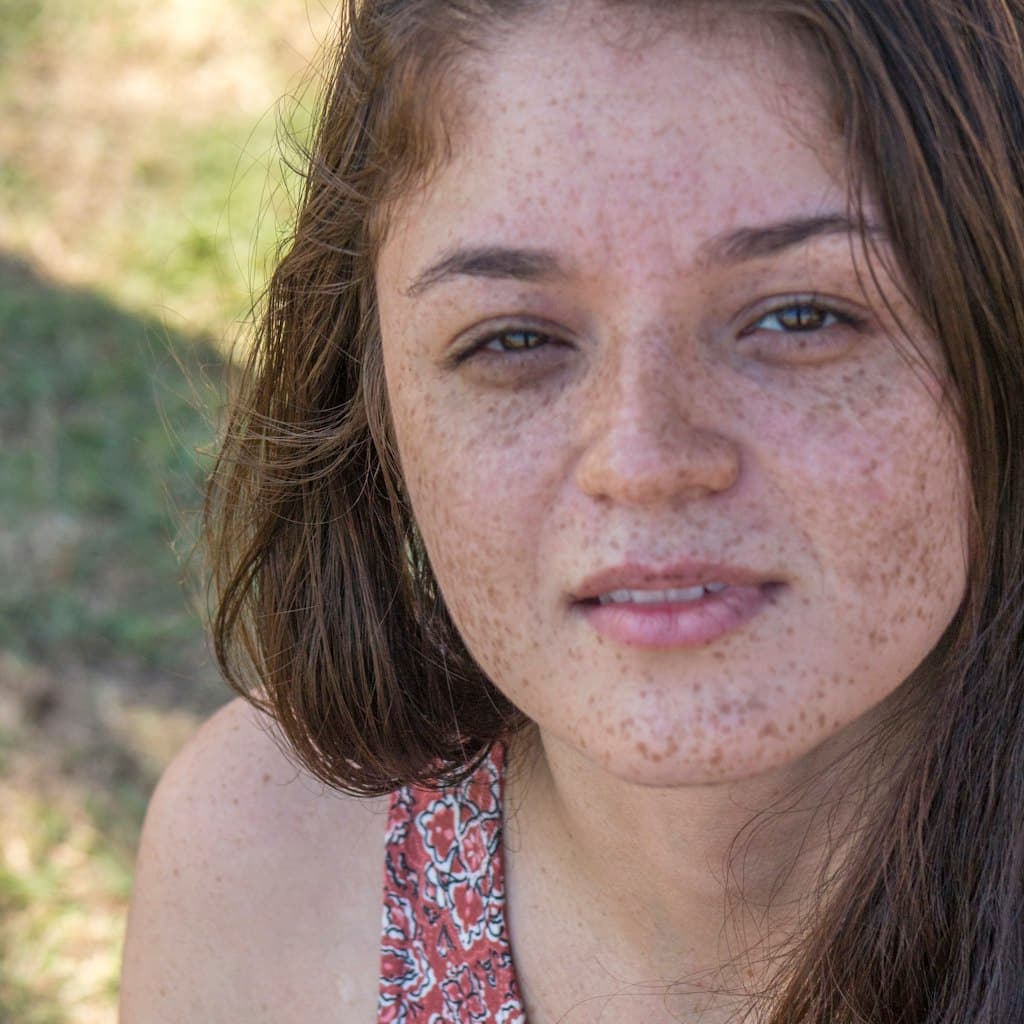
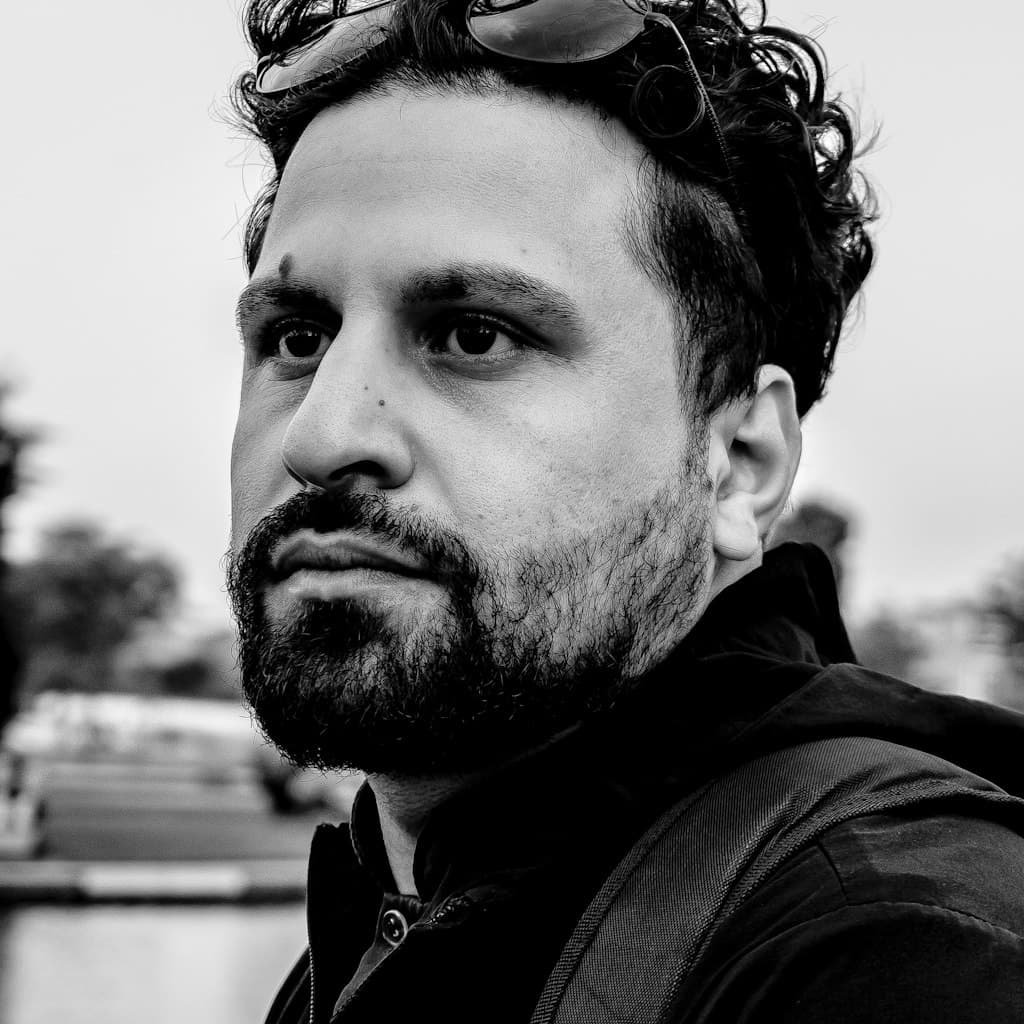
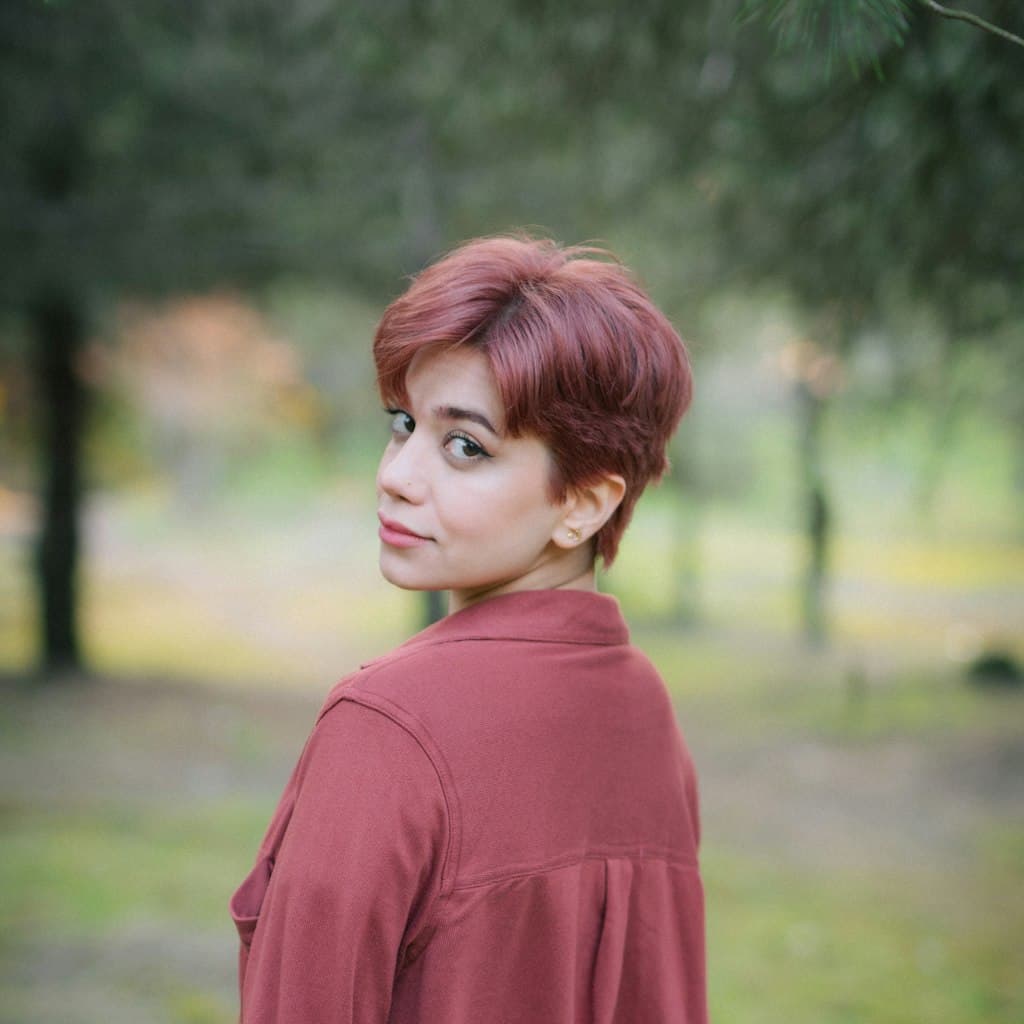
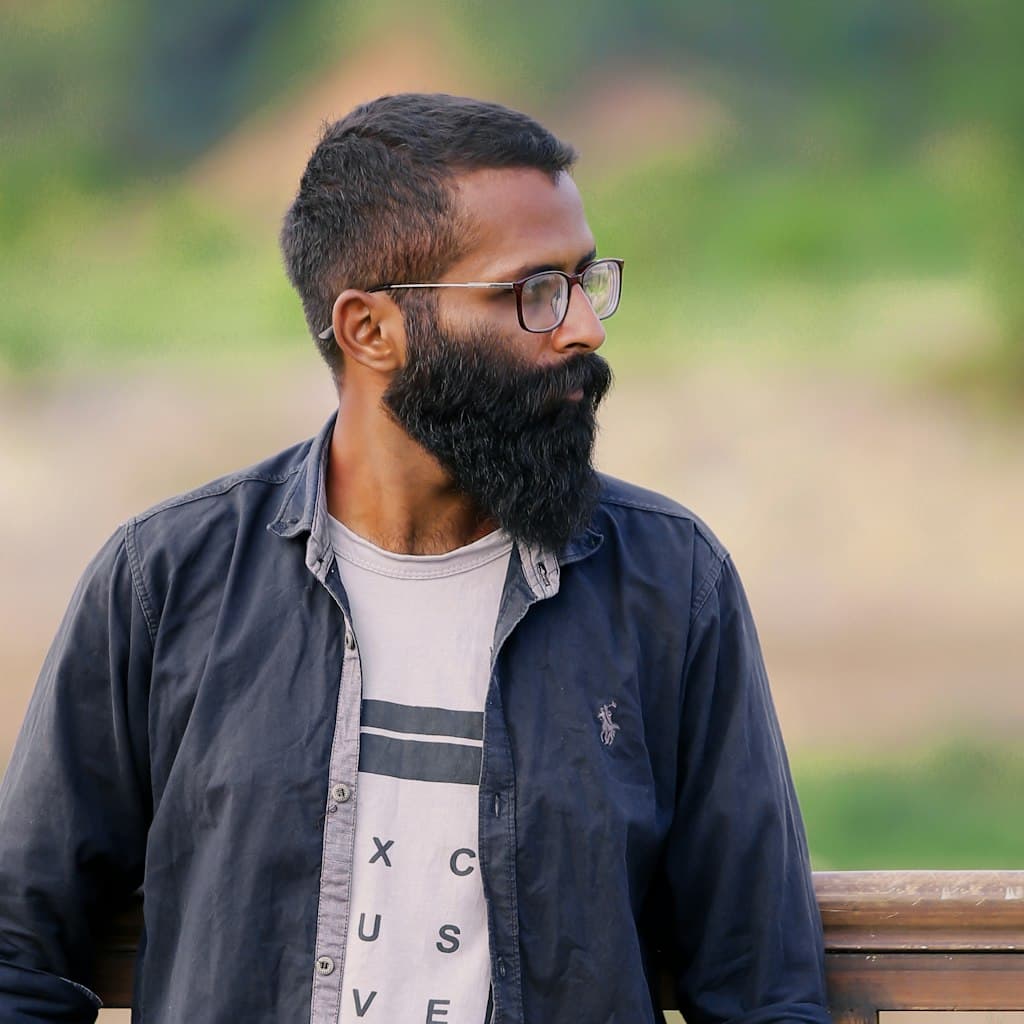
Portrait photo of bearded man in his 40s wearing glasses used as source for caricature comparison
Source
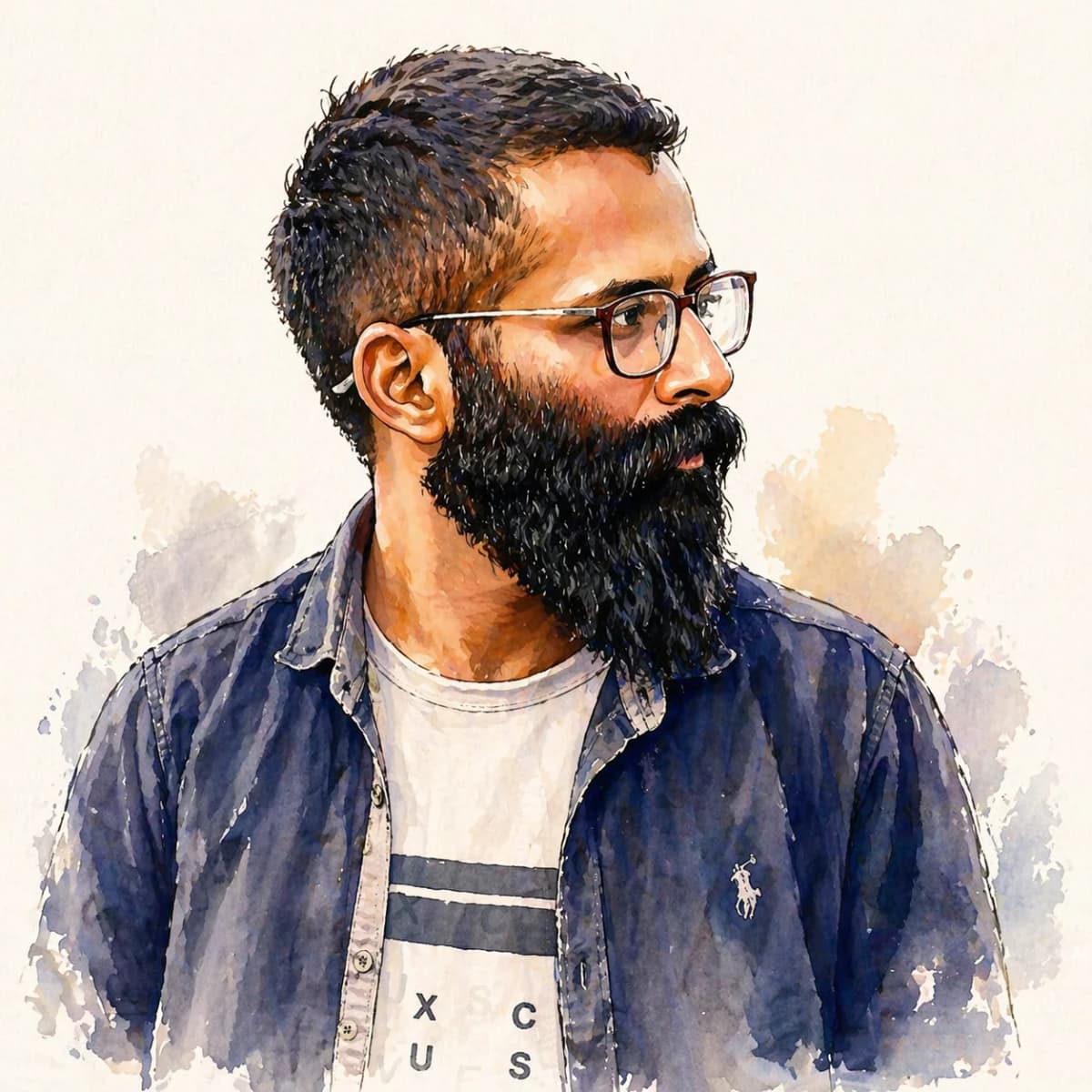
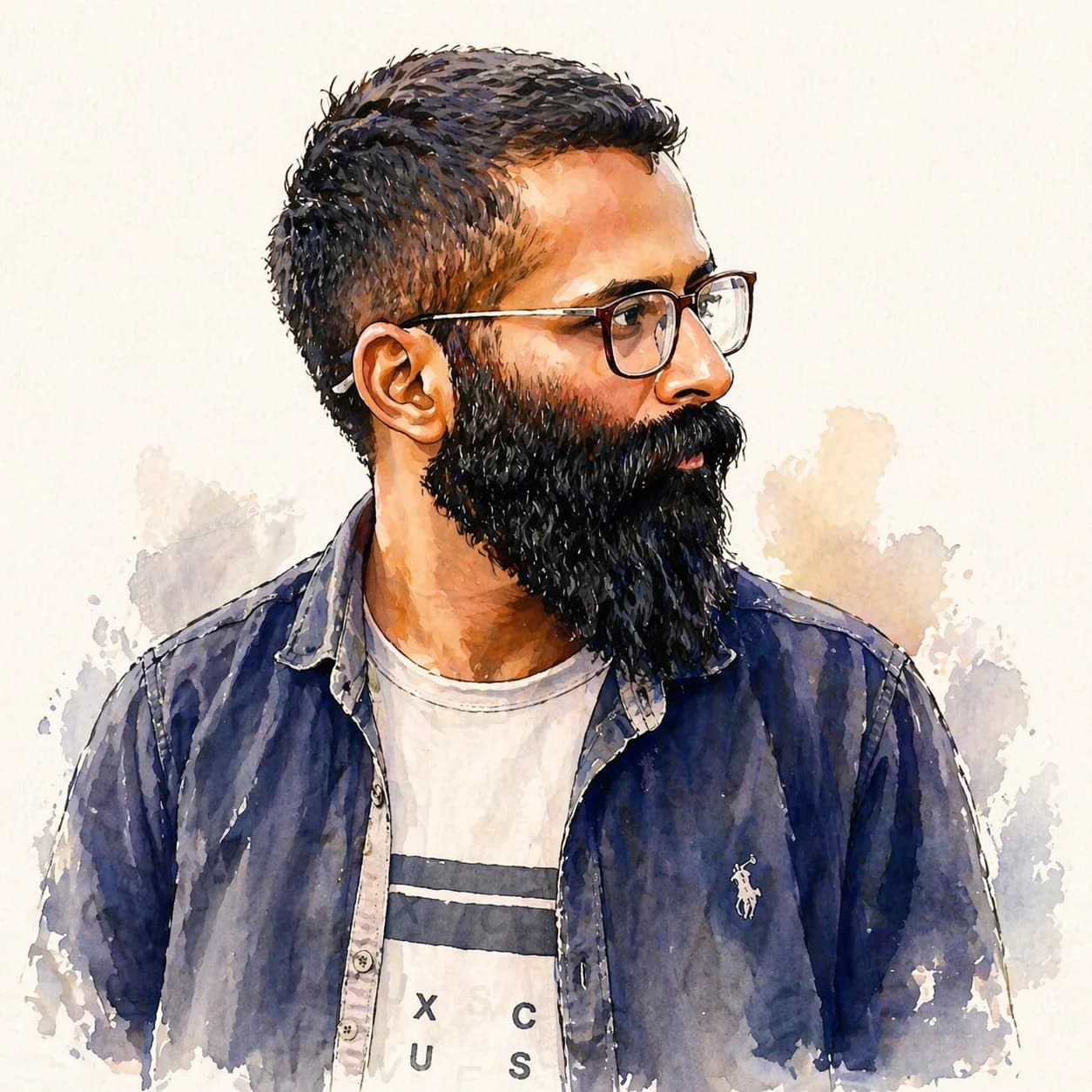
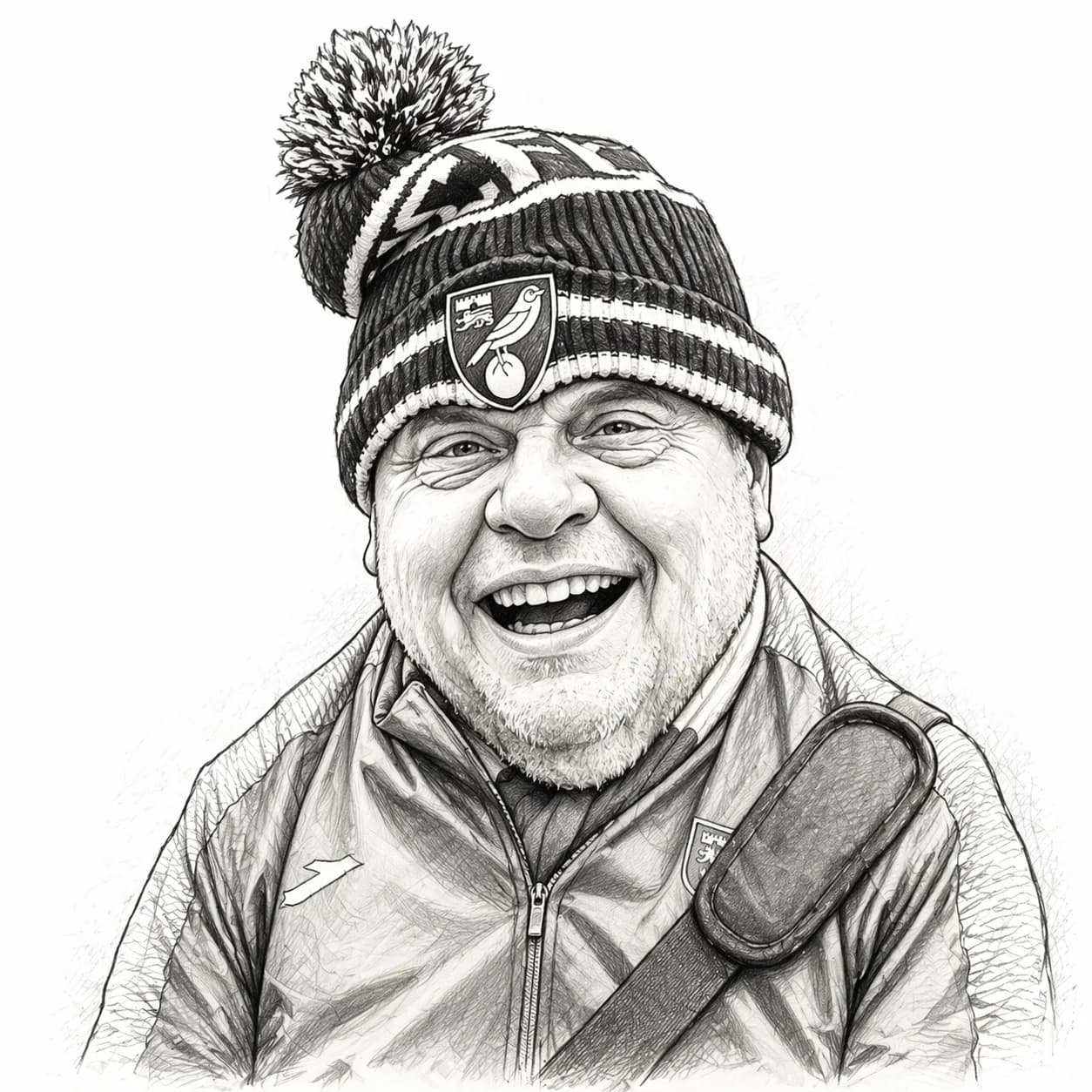
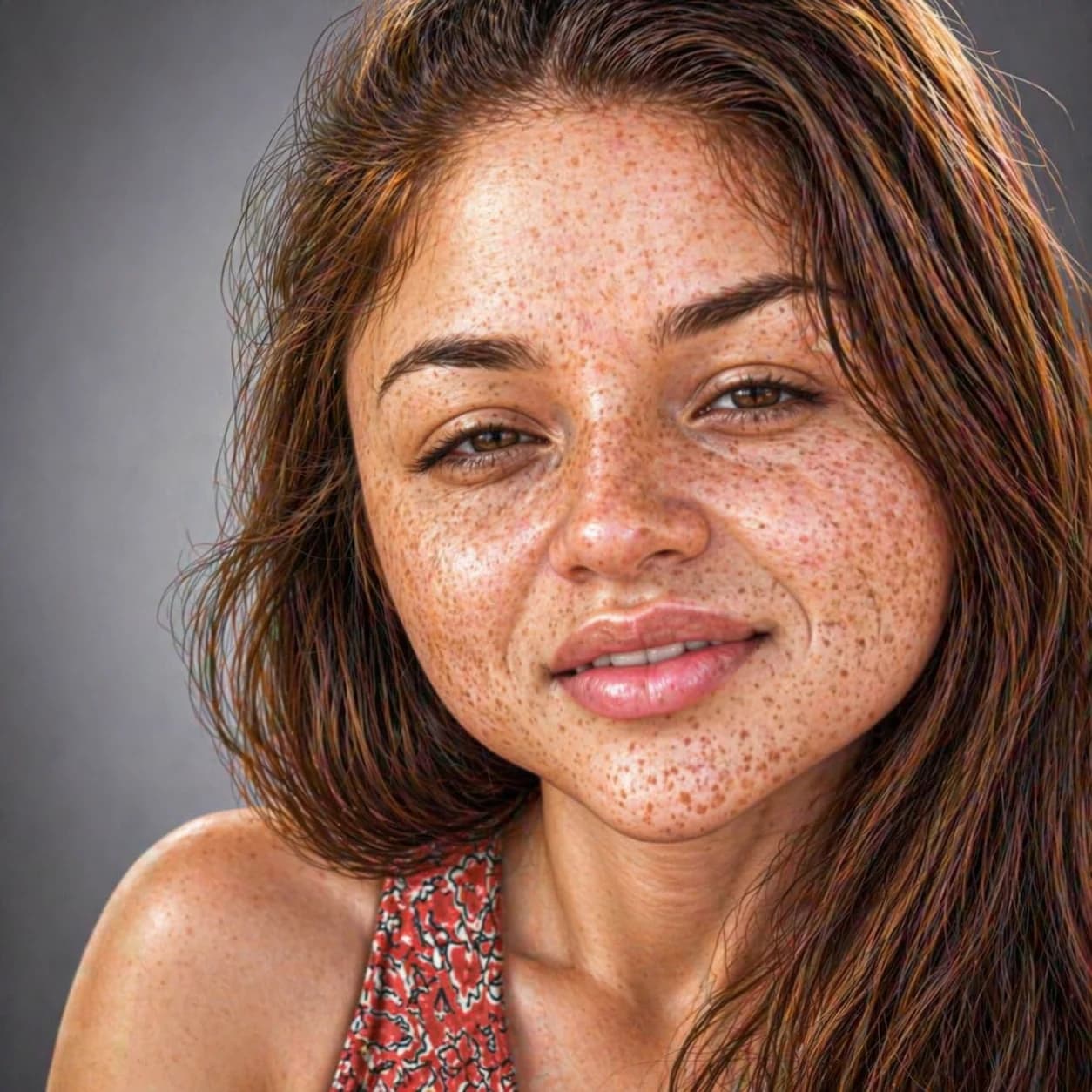
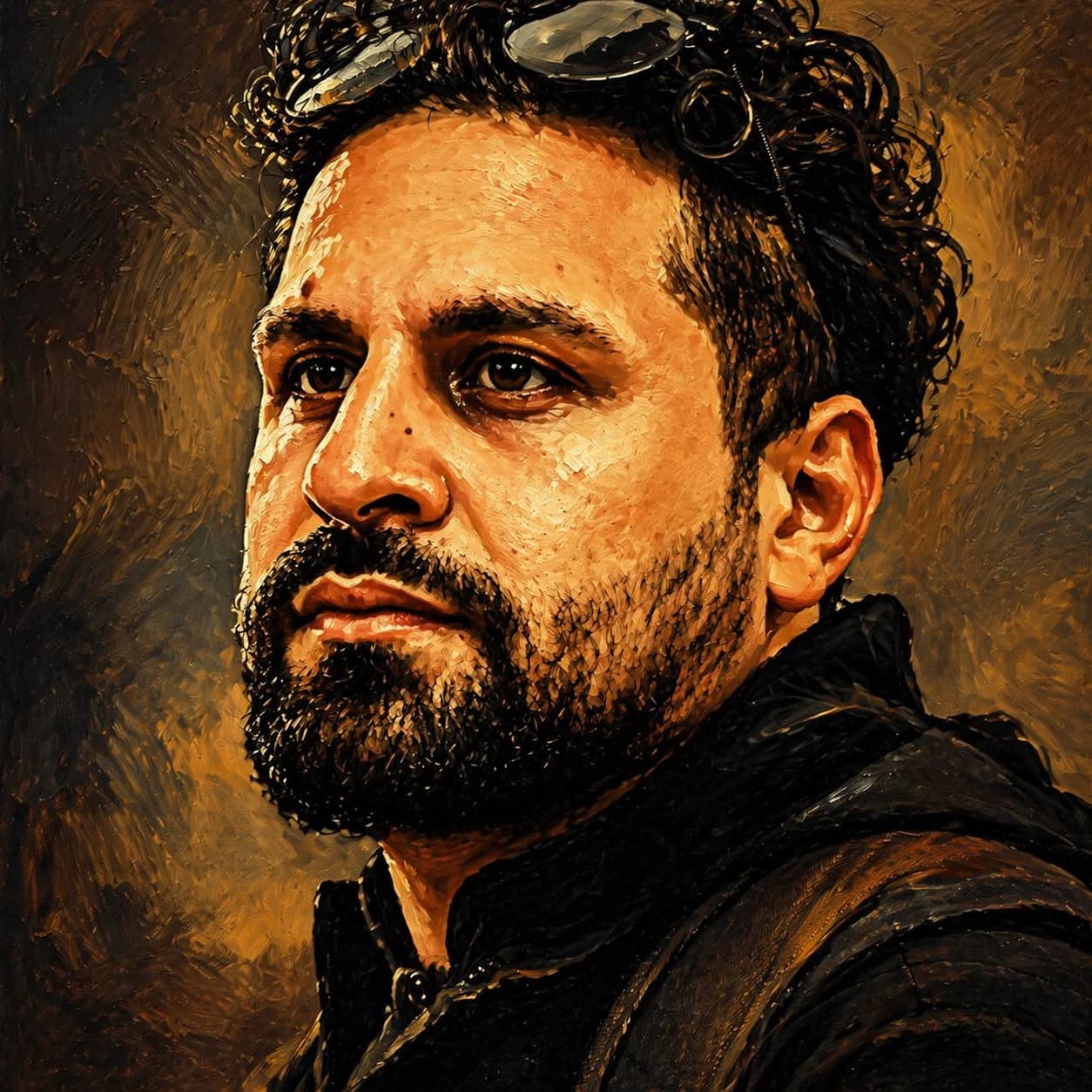
Watercolor caricature of bearded man in his 40s wearing glasses generated by GPT Image 1.5
GPT Image 1.5
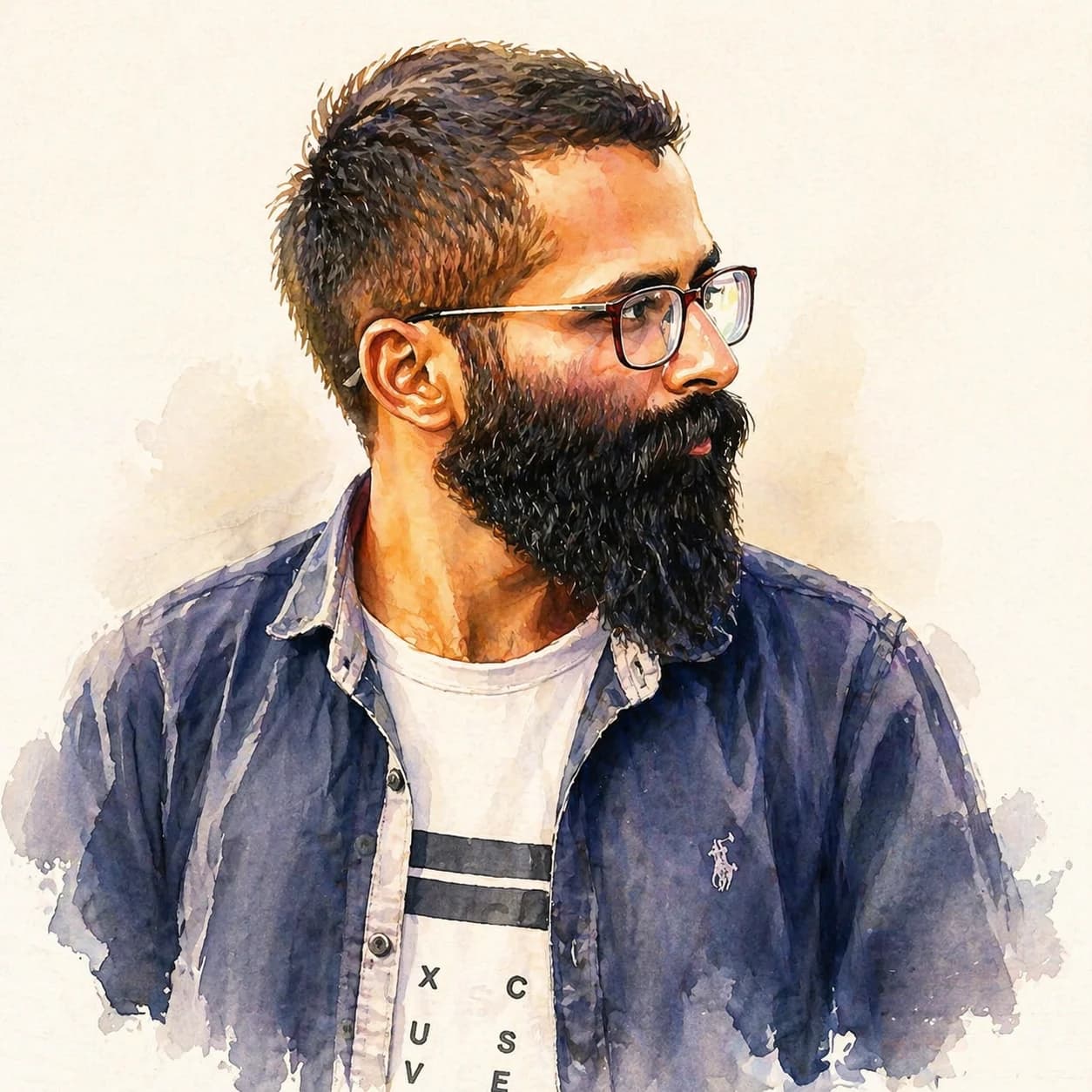
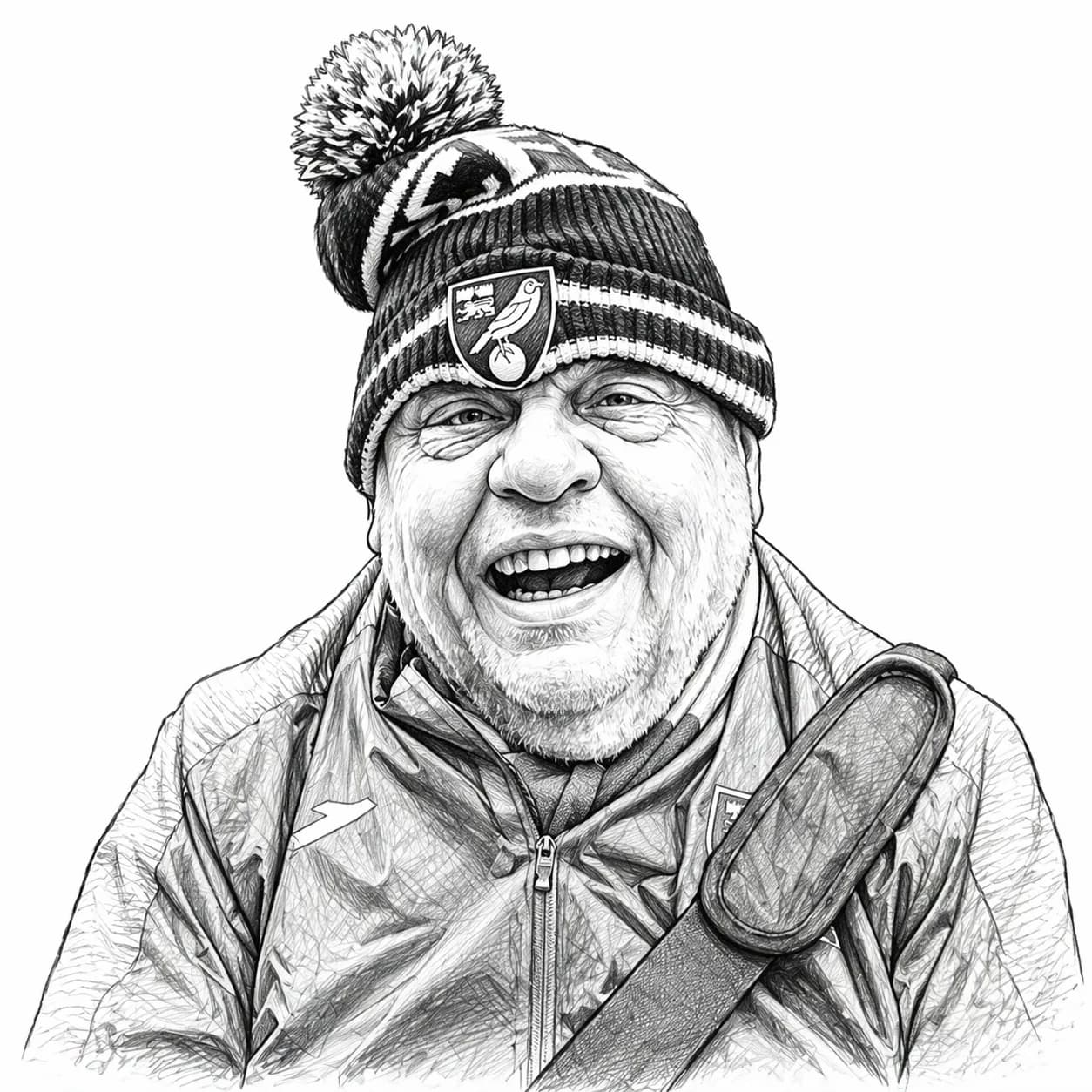
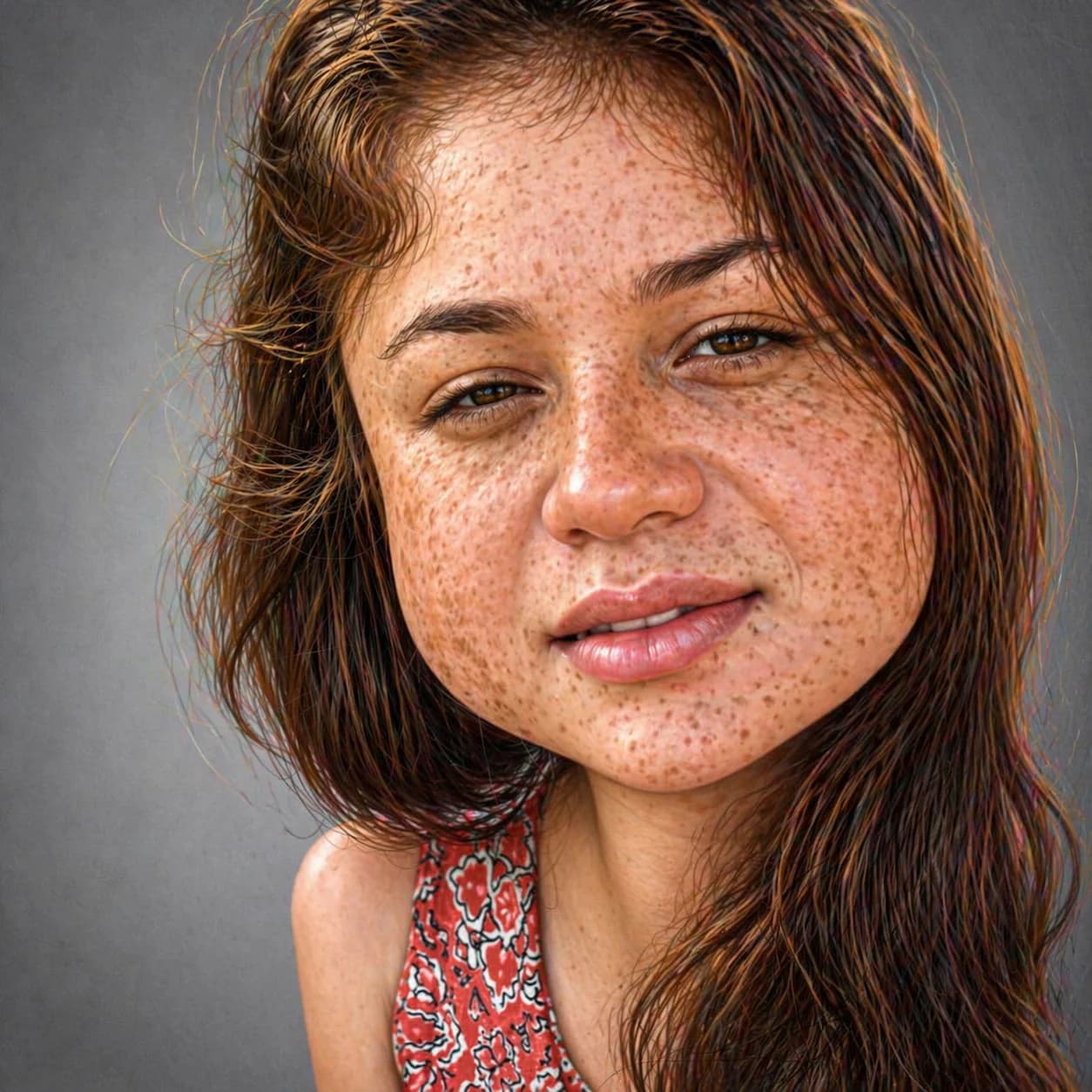
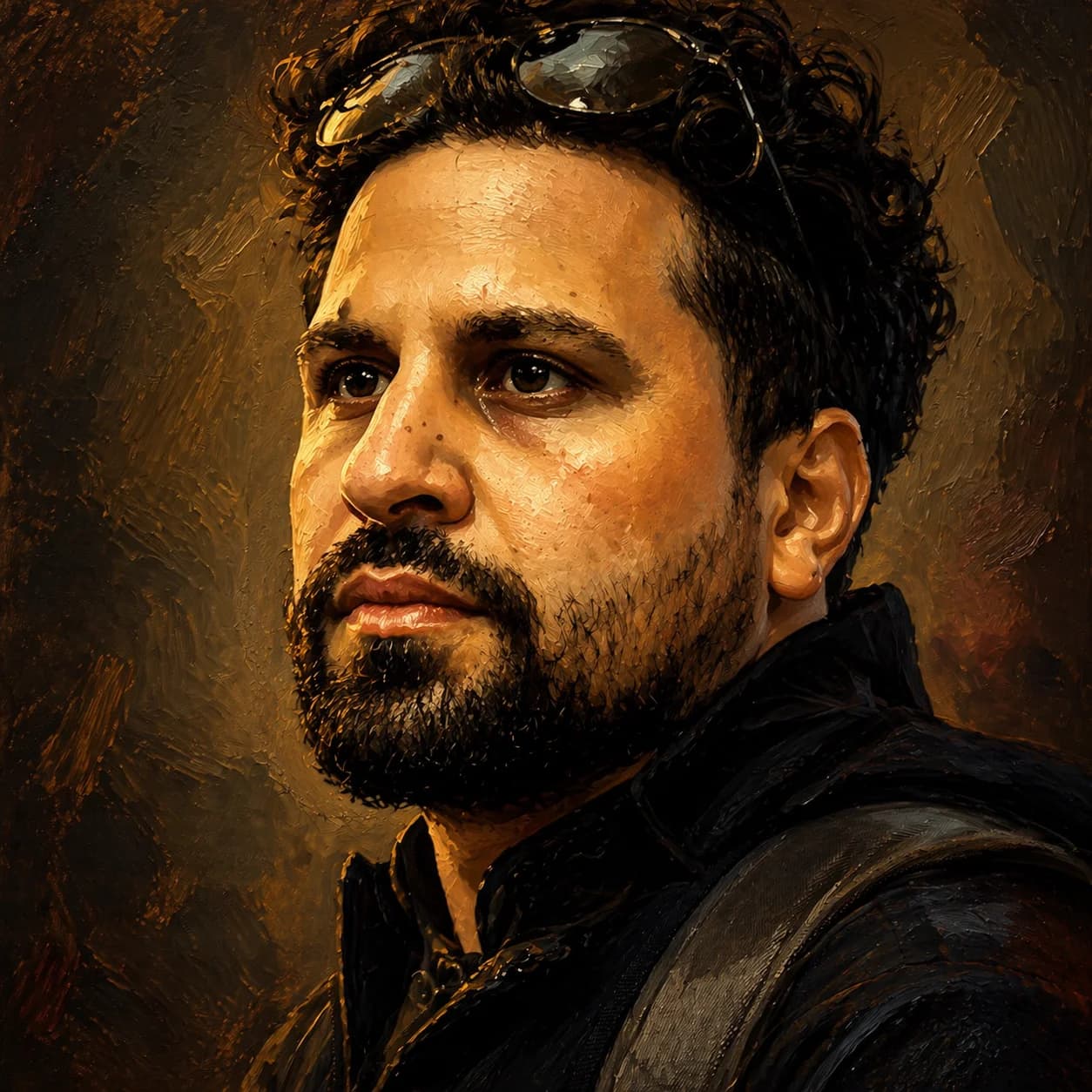
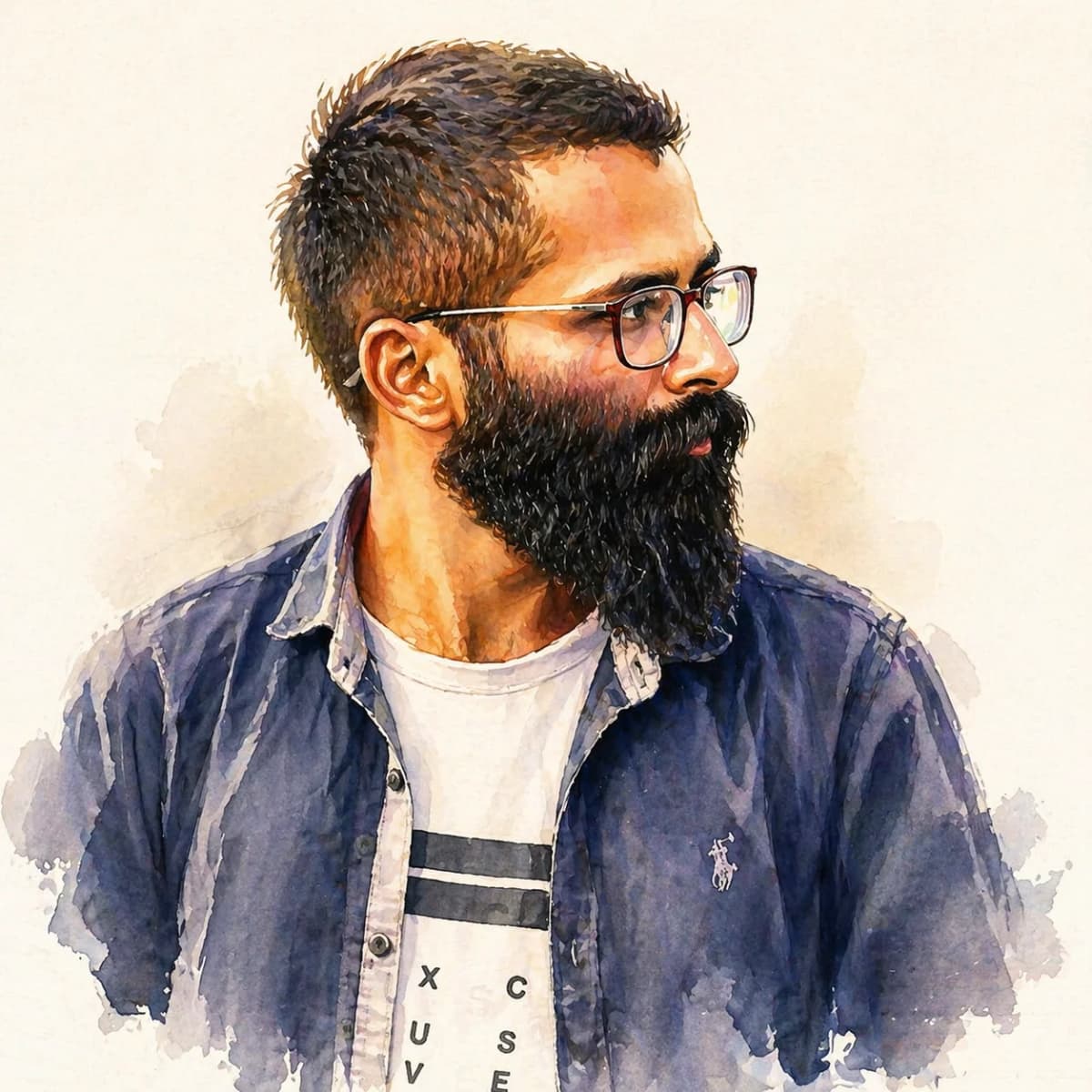
Watercolor caricature of bearded man in his 40s wearing glasses generated by GPT Image 2
GPT Image 2

Same photo · Same prompt · Watercolor

Show prompt
Caricature portrait of the person in a soft watercolor painting style with gentle color washes and visible brush strokes, mild exaggeration of facial features, plain off-white background.

Spec comparison

FeatureGPT Image 1.5 (retired)GPT Image 2
Output detailReliable baselineMore detail, cleaner edges
Aspect ratios1:1, 3:2, 2:3, 16:9, 9:16, 4:1, 21:91:1, 3:2, 2:3, 4:3, 3:4, 16:9, 9:16, 21:9, 9:21, 2:1, 1:2, 3:1, 1:3
Best for caricatureHigh-volume iterationFinal / showcase images
Typical speed5–15s10–25s
Price on this siteFree (Standard) / 1 credit (Pro)2 credits
AvailabilityGABeta

Measured against Evolink-hosted endpoints; validated during asset production.

How to prompt GPT Image 2 for caricatures

A few patterns from generating the 16 samples on this page.

  1. Put the subject first, style second. GPT Image 2 weights the leading noun phrase more heavily than 1.5.
  2. Use concrete style anchors (“watercolor”, “cel-shaded”, “ink line”). Vague words (“artistic”, “stylized”) get inconsistent treatment.
  3. Be explicit about exaggeration: “mild caricature” or “exaggerated jaw and eyes”. GPT Image 2 follows this more reliably than 1.5.
  4. Constrain the background (“plain pastel background”, “off-white studio”) or GPT Image 2 will fill detail into it.
  5. For group photos, use positional anchors (“leftmost subject”). GPT Image 2’s multi-subject coherence is noticeably stronger than 1.5’s.

Pricing

Start free, upgrade when you need more.

Plus

$7.99/month

Billed as $95.88/year

  • 200 credits/month
  • HD output quality
  • Priority processing

Free

Try it out

$0

  • 1 generation/week (no sign-up)
  • 2 generations/week (signed in)
  • Standard quality
Get Started

Starter Pack

50 credits · one-time

$4.99

$0.10 per generation

  • 50 generation credits
  • Never expires
  • All models & styles
Sign In to Buy
Popular

Pro Pack

120 credits · one-time

$9.99

$0.08 per generation

  • 120 generation credits
  • Never expires
  • All models & styles
Sign In to Buy

Power Pack

300 credits · one-time

$19.99

$0.07 per generation

  • 300 generation credits
  • Never expires
  • All models & styles
Sign In to Buy

Frequently asked questions

Is GPT Image 2 better than GPT Image 1.5?
For most caricature styles, yes — GPT Image 2 produces cleaner edges, richer mid-tones, and more consistent facial structure. GPT Image 1.5 was solid for quick iteration and cost less per run, which is why people used to draft with 1.5 and finalize with 2. Since 1.5’s retirement, GPT Image 2 covers both jobs — the free Standard tier handles the fast draft, and the 2-credit tier handles the finish.
How does GPT Image 2 compare to GPT Image 1?
GPT Image 2 is OpenAI’s next-generation image model, succeeding both the original GPT Image 1 and the intermediate GPT Image 1.5 release. GPT Image 1.5 has since been retired upstream — every tier on this site, free and paid, now runs GPT Image 2. The side-by-side gallery above still shows the real upgrade we measured when we made the switch.
How much does GPT Image 2 cost to use here?
GPT Image 2 now powers every tier here. The free Standard model runs GPT Image 2 at 1K resolution with no sign-up — 1 free generation per week, or 2 per week if you sign in. Want the sharper 2K output? That’s the GPT Image 2 tier at 2 credits per generation. You can also buy credit packs — see the pricing section on this page.
What aspect ratios does GPT Image 2 support?
GPT Image 2 now supports 13 aspect ratios including 1:1, 3:2, 2:3, 4:3, 3:4, 16:9, 9:16, 21:9, 9:21, 2:1, 1:2, 3:1, and 1:3. This covers everything from square portraits to ultra-wide banners, so you can use GPT Image 2 across all generation modes.
Can GPT Image 2 generate avatars or logos?
Yes. Our Avatar Generator and Logo Maker both let you select GPT Image 2 as the model. Use the links below to jump straight in with the model pre-selected.Try GPT Image 2 on avatars →Try GPT Image 2 on logos →
Is there a free way to try GPT Image 2 on caricatures?
Yes — the free Standard tier already runs GPT Image 2 at 1K resolution, no account needed (1 free generation per week, or 2 if you sign in). GPT Image 1.5 has been retired, so there’s no separate legacy tier anymore. If you want the sharper 2K output, that’s a 2-credit generation — a starter credit pack covers a few tries.
How long does a GPT Image 2 caricature take?
Typically 10–25 seconds from click to result, slightly slower than GPT Image 1.5 (5–15s). The gallery above was generated during a normal workday and reflects real-world latency.
What are GPT Image 2’s current limitations?
GPT Image 2 does not expose a quality parameter and was slower and more expensive per call than 1.5 back when both were live. For most caricature and portrait use cases the quality gain is worth it — and now that 1.5 has been retired, GPT Image 2 (via the free Standard tier) is also the fastest option available for rapid iteration.
Ready to try GPT Image 2?

Upload a photo and see the difference for yourself. Free generations are available too — no sign-up needed.